
Key facts
- Manuals
- 1
- Languages
- ZH
- Last added
- 2026-09-30
Featured Desmos manuals
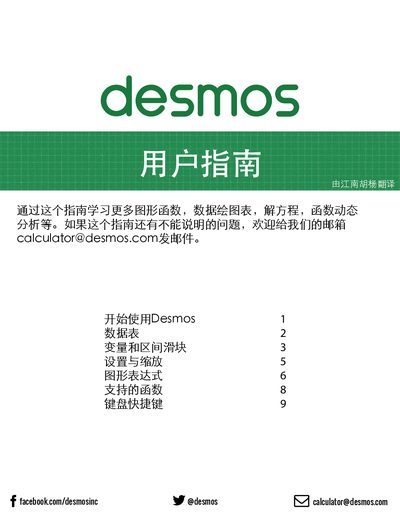
Desmos Online Graphing Calculator User Guide
This guide walks you through the basics of using Desmos, from starting a new graph and entering expressions to managing data tables and variables. It shows how to save, rename, and share your work, as well as how to customize the appearance of graphs.
Additional sections cover settings and zoom options, different graph types, creating movable points, defining custom functions, and a full list of supported functions and keyboard shortcuts for efficient workflow. This manual is written in Chinese.
Covers: Getting Started · Creating a Graph · Data Tables · Variables and Sliders · Moving Points · Saving and Sharing
Latest Desmos manuals
Desmos Online Graphing Calculator User Guide
User Manual 10 pages · 1.3 MB · ZHThe Desmos Online Graphing Calculator User Guide explains how to create, edit, save, and share graphs, use sliders, tables, and keyboard shortcuts.
Which document do I need?
User Manual
Day-to-day operation, settings and troubleshooting. Start here if the product is already set up.
Questions answered in Desmos manuals
How do I save a graph?
Click the save button or press Ctrl+S to save the current graph.
How do I add a slider for a variable?
When a free variable appears, the system prompts you to define it with a slider.