
Key facts
- Manuals
- 1
- Languages
- ZH
- Last added
- 2026-09-29
Featured U2 manuals
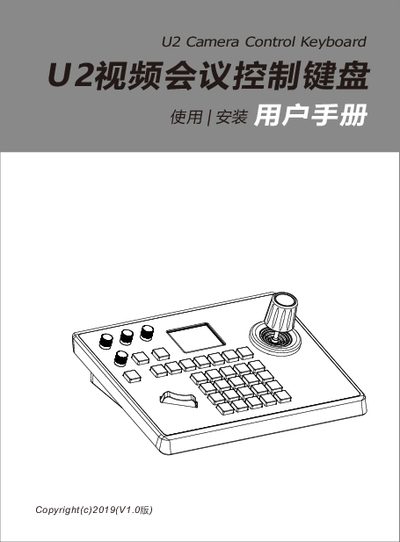
U2 U2 Video Conference Control Keyboard User Manual
The U2 Video Conference Control Keyboard is designed for easy control of video‑conference cameras. It features a CNC‑aluminium top cover, an aluminium die‑cast base, an industrial‑grade LCD module, and an imported variable‑speed four‑dimensional joystick for precise pan, tilt and zoom operations. The keyboard supports both network and analog control modes and is compatible with VISCA, ONVIF, PELCO‑P and PELCO‑D protocols.
The device includes a built‑in web server for configuration, standard PoE power, and can manage up to seven cameras simultaneously. Connections are made via RS232, RS422 or RS485 buses, and the system offers functions such as auto‑white‑balance, auto‑exposure, auto‑focus, and quick camera selection through numbered shortcut keys. Firmware upgrades, configuration import/export, and factory reset are also supported through the web interface. This manual is written in Chinese.
Covers: 产品概述 · 产品特点 · 接口说明 · 系统拓展图 · 按键说明 · 旋转摇杆说明
Latest U2 manuals
U2 U2 Video Conference Control Keyboard User Manual
User Manual 12 pages · 2.1 MB · ZHThe U2 Video Conference Control Keyboard User Manual provides setup, interface, connection and configuration instructions for VISCA, ONVIF and PELCO protocols.
Which document do I need?
User Manual
Day-to-day operation, settings and troubleshooting. Start here if the product is already set up.
Questions answered in U2 manuals
How do I switch between network and analog control modes?
Press the middle button of the joystick; a long press switches to analog mode, while a short press toggles back to network mode.
How can I add a camera to the keyboard via the web interface?
Connect the keyboard and a computer to the same LAN, open a browser, enter the keyboard’s IP address, log in with username admin and no password, then select a camera number (1‑7) and choose the desired protocol (ONVIF, VISCA, etc.) and enter the camera’s IP, port, username and password.