
Key facts
- Manuals
- 1
- Languages
- ZH
- Last added
- 2026-09-29
Featured Jieyang Optoelectronics manuals
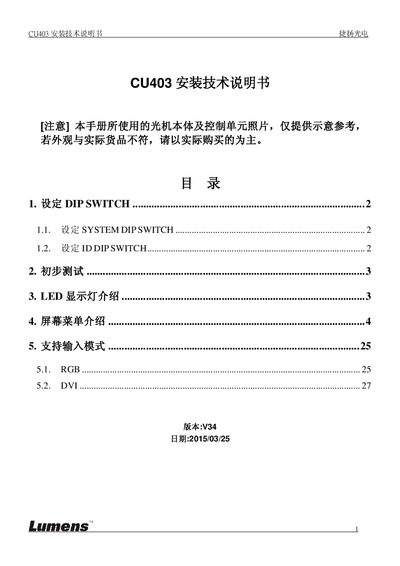
Jieyang Optoelectronics CU403 Installation Guide
This guide explains how to install and configure the CU403 display. It details the DIP switch settings for system and ID configuration, initial power‑on tests, and interpretation of LED status codes.
The manual also describes the on‑screen menu navigation, color and projection adjustments, and supported input modes such as RGB and DVI, including resolution tables for each mode. This manual is written in Chinese.
Covers: DIP SWITCH Settings · Initial Test Procedure · LED Indicator Description · Screen Menu Navigation · Color Adjustment Settings · Projection Options
Latest Jieyang Optoelectronics manuals
Jieyang Optoelectronics CU403 Installation Guide
Installation Guide 28 pages · 1.9 MB · ZHInstallation guide for the CU403 display, covering DIP switch settings, initial testing, LED indicators, menu navigation and input mode configuration.
Which document do I need?
Installation Guide
Mounting, wiring and first power-up. Read it before the hardware goes in.
Questions answered in Jieyang Optoelectronics manuals
How do I open the screen menu on the CU403?
Press the [Menu] key on the remote control to display the screen menu.
What LED code indicates that the CU403 is in standby mode?
LED code A0 means the unit is in CU Standby.