
Key facts
- Manuals
- 1
- Languages
- ZH
- Last added
- 2026-10-03
Featured StarVedia manuals
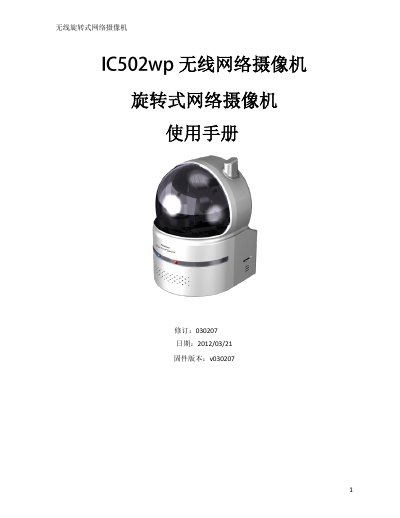
Starvedia IC502W Wireless Rotating Network Camera User Manual
The Starvedia IC502W is a wireless rotating network camera designed for easy plug‑and‑play installation. The manual guides users through hardware setup, connecting to wired or Wi‑Fi networks, and using the CamView software on PCs or smartphones to view live video.
It also details advanced functions such as NAS recording, email/FTP alerts, 3GPP/ISMA mobile streaming, and firmware upgrades, plus a troubleshooting section for common connectivity and image‑quality issues. This manual is written in Chinese.
Covers: Introduction · Hardware Description and Quick Installation · Web Settings · Features and Specifications · Packaging Contents · Appendix B – Maximum Allowed Video Users
Latest StarVedia manuals
Starvedia IC502W Wireless Rotating Network Camera User Manual
User Manual 55 pages · 3.1 MB · ZHUser manual for the Starvedia IC502W wireless rotating network camera covering installation, web settings, features and troubleshooting.
Which document do I need?
User Manual
Day-to-day operation, settings and troubleshooting. Start here if the product is already set up.
Questions answered in StarVedia manuals
Why is the video quality poor and the image keeps disconnecting?
The likely cause is insufficient network bandwidth; try a faster Internet connection or lower the camera’s bandwidth setting in CamView or the web interface.
From: Starvedia IC502W Wireless Rotating Network Camera User Manual
Does the camera support video and audio recording?
Yes. You can record video/audio with CamView, store recordings on a NAS, or save them locally to a Micro‑SD card up to 32 GB.
From: Starvedia IC502W Wireless Rotating Network Camera User Manual