
Key facts
- Manuals
- 2
- Languages
- EN · ZH
- Last added
- 2026-09-30
Featured RIKEN manuals
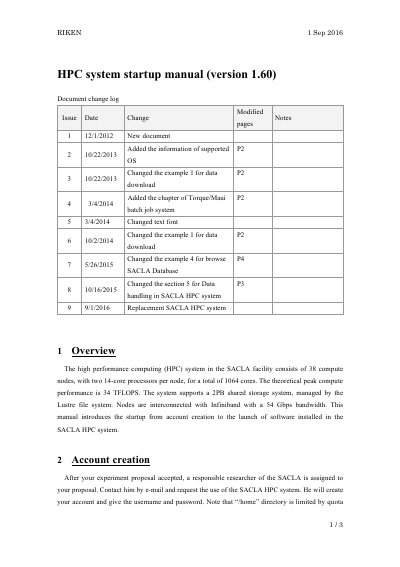
RIKEN SACLA HPC System Startup Manual
This manual introduces the RIKEN SACLA High Performance Computing (HPC) system, which consists of 38 compute nodes with a total of 1,064 cores and a 2 PB Lustre‑based shared storage. It describes how to start using the system from account creation through running jobs and accessing installed software.
Key sections cover account creation through a responsible researcher, connecting to the SPring‑8 network via VPN, logging in with SSH, using the PBS batch system (qstat, qsub, qdel), handling data, and launching applications such as Hdfview, MATLAB, ImageJ, and Firefox.
Covers: Overview · Account creation · How to login · Batch job system · Data handling · Installed software
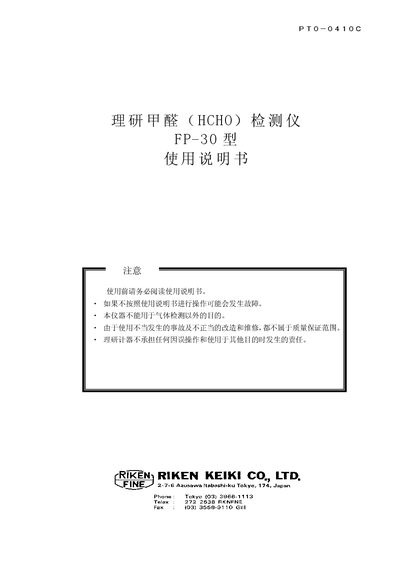
Riken FP-30 Formaldehyde Detector User Manual
The Riken FP-30 is a handheld formaldehyde (HCHO) detector that measures gas concentration using a photometric test‑paper method. The manual provides safety warnings, component descriptions, step‑by‑step operating procedures, and maintenance guidelines.
Key sections include preparation, power‑on sequence, detection‑TAB installation, measurement steps, troubleshooting, and a full specification table with dimensions, power requirements and environmental limits. This manual is written in Chinese.
Covers: Safety Warnings · Component Identification · Operating Procedure · Detection TAB Installation · Measurement Method · Maintenance and Battery Replacement
Latest RIKEN manuals
RIKEN SACLA HPC System Startup Manual
User Manual 3 pages · 124 KB · ENThe RIKEN SACLA HPC System Startup Manual provides step‑by‑step instructions for account creation, login, batch job usage, data handling, and software access.
Riken FP-30 Formaldehyde Detector User Manual
User Manual 21 pages · 476 KB · ZHUser manual for the Riken FP-30 formaldehyde detector, covering safety, operation, maintenance and specifications.
Which document do I need?
User Manual
Day-to-day operation, settings and troubleshooting. Start here if the product is already set up.
Questions answered in RIKEN manuals
How do I create an account for the SACLA HPC system?
After your experiment proposal is accepted, a responsible SACLA researcher creates your account and provides a username and password.
How can I connect to the SACLA HPC system?
First connect to the SPring‑8 local network using the VPN service, then log in to the HPC server via SSH.
How do I replace the battery?
Open the battery compartment, remove the old cells and insert four new AA dry‑cell batteries, ensuring correct polarity.