
Key facts
- Manuals
- 1
- Languages
- ZH
- Last added
- 2026-10-01
Featured ORO manuals
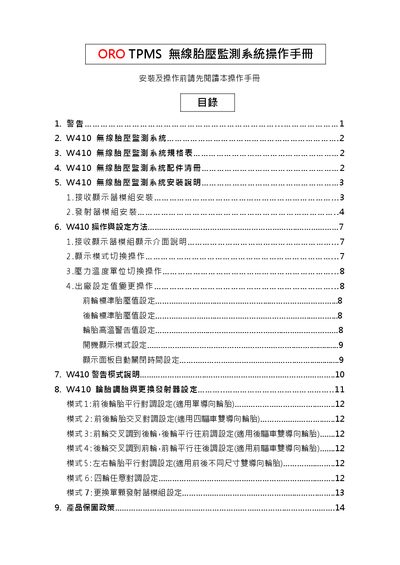
ORO W410 TPMS User Manual
The ORO W410 TPMS consists of four transmitter modules and a receiver display module that monitor tire pressure, temperature and vehicle battery/alternator voltage. The manual details how to install the receiver and transmitter modules, configure standard tire‑pressure values, and adjust display settings.
It also explains the system’s warning modes, how to change pressure and temperature units, and the warranty policy. Safety warnings, FCC/NCC compliance notes, and troubleshooting steps for signal loss are included. This manual is written in Chinese.
Covers: Warnings · System Overview · Specifications · Accessories List · Installation Instructions · Operation and Settings
Latest ORO manuals
ORO W410 TPMS User Manual
User Manual 15 pages · 1.5 MB · ZHThis manual provides installation, operation, setting procedures, warning modes and warranty information for the ORO W410 wireless tire pressure monitoring…
Which document do I need?
User Manual
Day-to-day operation, settings and troubleshooting. Start here if the product is already set up.
Questions answered in ORO manuals
How do I change the pressure unit on the display?
Long‑press the MODE button for 3 seconds while the pressure display is active to switch between psi, kPa and bar.
How can I set the standard tire‑pressure values?
Short‑press the MODE button to adjust the front‑wheel standard pressure, then press SET to confirm and move to the rear‑wheel setting; the factory default is 35 psi.