
Key facts
- Manuals
- 1
- Languages
- EN
- Last added
- 2026-09-30
Featured HARTE TECHNOLOGIES manuals
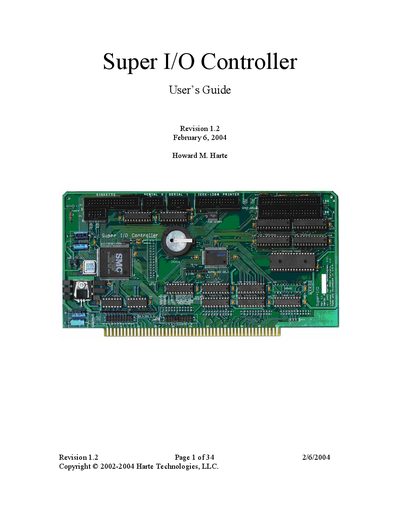
Harte Technologies Super I/O Controller User Guide
The HarteTec Super I/O Controller provides a complete I/O subsystem for the IEEE‑696 (S‑100) bus, supporting both 8‑bit and enhanced 16‑bit address decoding, DMA floppy access, and a range of peripheral interfaces. It includes two floppy‑drive options, two UARTs, a parallel port, PS/2 keyboard/mouse, two IDE channels, a battery‑backed RTC, and 128 KB of flash memory.
This manual covers system requirements, hardware installation with jumper settings, software installation, IDE drive setup, CP/M diskette handling, flash ROM programming, compatibility notes for S‑100 processor and memory cards, and configuration of common PC communications programs such as MS‑DOS Kermit and HyperTerminal.
Covers: Introduction · Hardware Installation · Software Installation · IDE Drive Installation · Copying Files onto CP/M Diskettes · Making CP/M Diskettes from Image Files
Latest HARTE TECHNOLOGIES manuals
Harte Technologies Super I/O Controller User Guide
User Manual 34 pages · 597 KB · ENThe Harte Technologies Super I/O Controller User Guide provides hardware installation, software setup, and configuration instructions for the IEEE‑696 bus…
Which document do I need?
User Manual
Day-to-day operation, settings and troubleshooting. Start here if the product is already set up.
Questions answered in HARTE TECHNOLOGIES manuals
What jumper must be installed for operation without a DMA controller?
A jumper must be installed between pins 7 and 9 to allow the controller to operate without a DMA controller.
What are the default serial port settings?
The default settings are 9,600 baud, 8 data bits, 1 stop bit, and no flow control.