
Key facts
- Manuals
- 1
- Languages
- ZH
- Last added
- 2026-10-01
Featured ATLINKS manuals
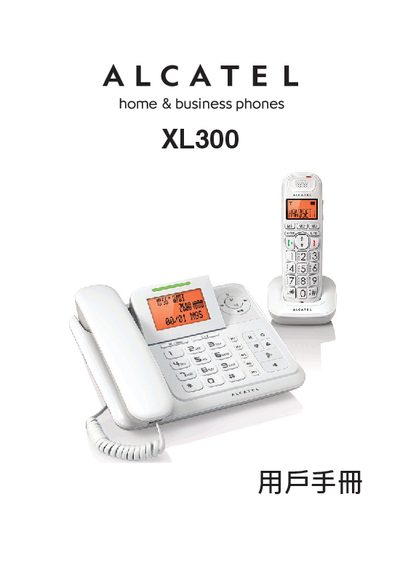
ATLINKS XL300 Telephone User Manual
This manual covers important safety instructions, detailed installation of the base unit, handset, and charging dock, and guidance on connecting power adapters and DSL filters. It also explains how to navigate the handset menus, make and receive calls, manage the phone book, and configure voicemail and other settings.
Additional sections include troubleshooting tips for call interference, a complete list of technical data such as dimensions, weight, RF parameters, and power requirements, and maintenance advice for cleaning and battery handling. This manual is written in Chinese.
Covers: Important Safety Instructions · Telephone Installation · Getting to Know Your Phone · Making Calls · Phone Book · Incoming Call Display
Latest ATLINKS manuals
ATLINKS XL300 Telephone User Manual
User Manual 67 pages · 14.7 MB · ZHThe ATLINKS XL300 telephone user manual provides safety guidelines, installation steps, feature instructions, and technical specifications.
Which document do I need?
User Manual
Day-to-day operation, settings and troubleshooting. Start here if the product is already set up.
Questions answered in ATLINKS manuals
How do I install a DSL filter for the XL300?
Install the DSL filter between the telephone line and the wall socket to prevent DSL interference with the phone.
What should I do if I experience call interference?
Move the phone away from other electronic devices, try a different power outlet, and ensure a DSL filter is installed if using DSL service.