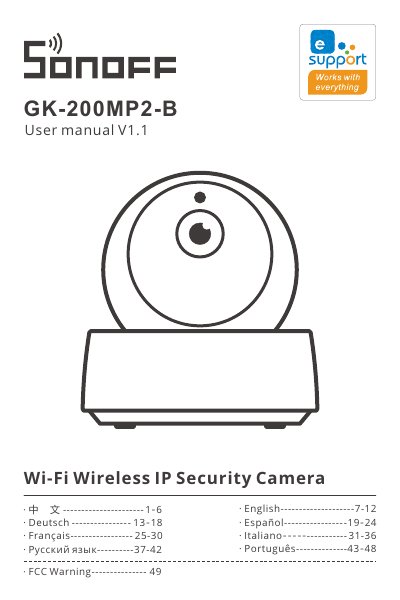
The SONOFF GK-200MP2-B Wi‑Fi wireless IP security camera user manual provides setup, connection, features, maintenance, and troubleshooting instructions.
About this manual
The GK-200MP2-B is a smart cloud‑pan security camera with 1080P resolution, 340° horizontal and 120° vertical viewing angles, infrared night vision up to 15 m, and two‑way audio. It connects via Wi‑Fi (2.4 GHz) or Ethernet and supports TF cards up to 128 GB for local video storage.
This manual explains how to download the eWeLink app, power on and reset the device, add the camera using Wi‑Fi, sound‑pairing, or Ethernet, configure motion detection and alerts, and perform routine maintenance. It also includes a FAQ section that addresses common connection problems, audio issues, and video playback. This manual is written in Chinese.
What's inside
- Setup and Reset
- Adding the Camera
- Product Specifications
- Installation Guidelines
- Night Vision
- Motion Detection and Alerts
- Troubleshooting
- FCC Warning
Specifications
| Model | GK-200MP2-B |
|---|
| Wi‑Fi standard | IEEE 802.11 b/g/n 2.4 GHz |
|---|
| Horizontal view angle | 340° |
|---|
| Vertical view angle | 120° |
|---|
| TF card support | Up to 128 GB |
|---|
| Dimensions (folded) | 109 × 109 × 80 mm |
|---|
| Dimensions (unfolded) | 109 × 109 × 120 mm |
|---|
Frequently asked questions
Can I view recorded video on a computer?
Yes. Power off the camera, remove the TF card, insert it into a computer, and play the video files.