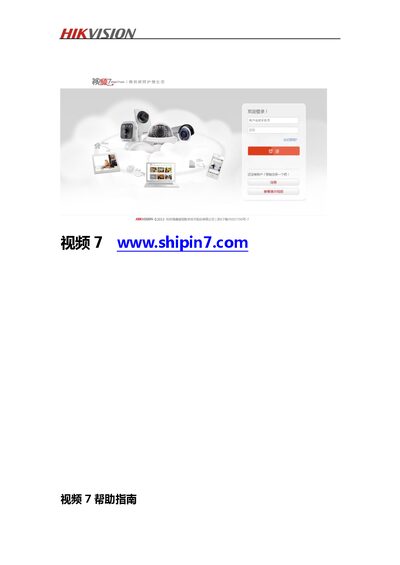
The Hikvision Video 7 Installation Guide explains how to connect, install, and use the Video 7 platform on various devices.
About this manual
This guide provides an overview of the Video 7 service platform, describing its purpose for home and enterprise users and outlining the new features such as safety mode and voice intercom. It also details version updates and the overall workflow for adding and managing devices.
The document covers device connection methods (wired and Wi‑Fi), step‑by‑step installation for different device series (C1‑C4, D1, N1), usage of the PC and mobile clients, account management, and a comprehensive FAQ section that addresses common setup and troubleshooting questions. This manual is written in Chinese.
What's inside
- Preface
- Version Update
- New Features
- Device Connection
- Device Installation
- PC Client Service
- Mobile Client Service
- Account Management
- FAQ
Specifications
| Maximum simultaneous real‑time streams (D1‑4W) | 32 channels |
|---|
Frequently asked questions
How can I cancel the alarm sound on a C1 device?
You need to modify the alarm parameter in the device settings, preferably with technical assistance.
What is the default password for an N1 device after it is added to Video 7?
The password is automatically set to 12345 when the N1 is connected to the Video 7 platform.
How many real‑time video streams can a D1‑4W device handle simultaneously?
A D1‑4W device can handle up to 32 simultaneous real‑time video streams.