
Key facts
- Brand
- RKC INSTRUMENT
- Model
- FB400
- Category
- Automation control Equipment
- Documents
- 3
- Languages
- ZH
- Last added
- 2012-03-15
Start here
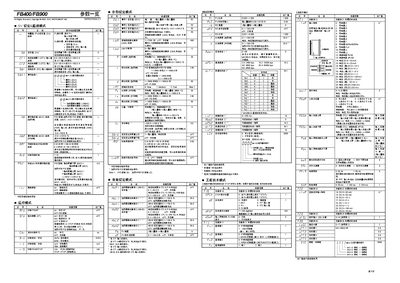
RKC Instrument FB400/FB900 User Manual
This manual describes the FB400/FB900 digital controller, covering its parameter overview, setting modes, and engineering functions. It is intended for users who need to configure, monitor, and operate the controller in industrial applications.
Key sections include parameter tables, event monitoring, communication settings, PID control, alarm configuration, and detailed function‑block parameters. The document also explains how to use engineering mode for advanced adjustments. This manual is written in Chinese.
RKC INSTRUMENT FB400 specifications
| Communication speed | 4800 bps |
|---|---|
| Analog output current range | 0~20 mA |
| Low voltage range | +100 mV DC |
| Current input range | 0~1000 A |
All RKC INSTRUMENT FB400 documents by type
Day-to-day operation, settings and troubleshooting. Start here if the product is already set up.
Questions answered in these manuals
What communication baud rates are supported?
The controller supports 4800 bps, 38400 bps, and 9600 bps communication speeds.
What humidity range is allowed for the controller?
It can be used in environments with 5 %RH to 95 %RH humidity.
What fuse should be used for the power supply?
A fuse rated for 250 V and 1 A is recommended.
What fuse rating should be used with the FB400/FB900?
A fuse rated for 250 V and 1 A is recommended.
What are the recommended terminal torque values?
The recommended tightening torque is 0.4 N·m.