
Key facts
- Brand
- DIGISYNTHETIC
- Model
- DS231
- Category
- Other Electronics
- Documents
- 2
- Languages
- ZH
- Last added
- 2012-03-26
Start here
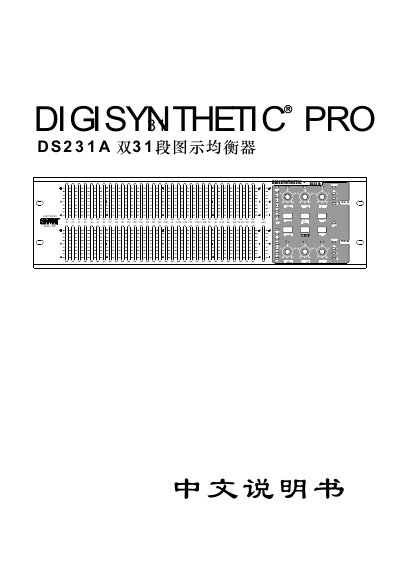
DIGISYNTHETIC DS231A Graphic Equalizer User Manual
This manual begins with safety precautions for the DS231A graphic equalizer, including grounding requirements, keeping the unit away from moisture, children, and heat sources. It also explains the proper power‑line connection and how to handle damaged cables or components.
The following sections describe the front‑panel controls (gain sliders, range switch, channel link, bypass, limiter, low‑cut/high‑cut filters), rear‑panel connectors (XLR, TRS, RS‑485, power), DIP‑switch settings for output level and gain mode, and the device’s power specifications, dimensions, and weight. Detailed wiring diagrams and operating notes help users achieve optimal sound balance and avoid clipping or overload. This manual is written in Chinese.
DIGISYNTHETIC DS231 specifications
| Input connector type | XLR and 1/4 inch jack (balanced) |
|---|---|
| Input impedance | 40 kΩ balanced, 20 kΩ unbalanced |
| Input level range | -20 dB to +4 dB |
| Output connector type | XLR and 1/4 inch jack (balanced) |
| Output impedance | 66 Ω balanced, 33 Ω unbalanced |
| Bandwidth | 20 Hz – 20 kHz |
| Signal‑to‑noise ratio | >95 dB |
| THD (typical at 1 kHz) | 0.0065 % |
| Power supply voltage | 100‑120 VAC or 200‑240 VAC |
| Dimensions (W×H×D) | 45 mm × 482 mm × 152 mm |
| Weight | Net 2 kg, Gross 3 kg |
Source: DIGISYNTHETIC DS231 Digital Dual DSP Processor User Manual
All DIGISYNTHETIC DS231 documents by type
Day-to-day operation, settings and troubleshooting. Start here if the product is already set up.
Questions answered in these manuals
What safety precautions should be taken before using the DS231A?
The unit must be grounded, kept away from moisture, children, and heat sources, and the power cable should be securely inserted into a properly grounded outlet.
What does the bypass switch do?
When activated, the hardware bypass connects the input directly to the output, allowing you to compare processed and unprocessed audio even if the unit is powered off.
How do I lock or unlock the function keys?
Long‑press key 7 for about 3 seconds to lock all function keys; press the same key again for about 3 seconds to unlock them.
From: DIGISYNTHETIC DS231 Digital Dual DSP Processor User Manual
How is the gain adjusted for each frequency band?
Rotate the encoder to change the gain between –16 dB and +16 dB in 0.5 dB steps for the selected frequency band.
From: DIGISYNTHETIC DS231 Digital Dual DSP Processor User Manual