This manual explains how to set up and use the wireless LAN feature of the air conditioner, covering safety, pairing, configuration, and troubleshooting.
About this manual
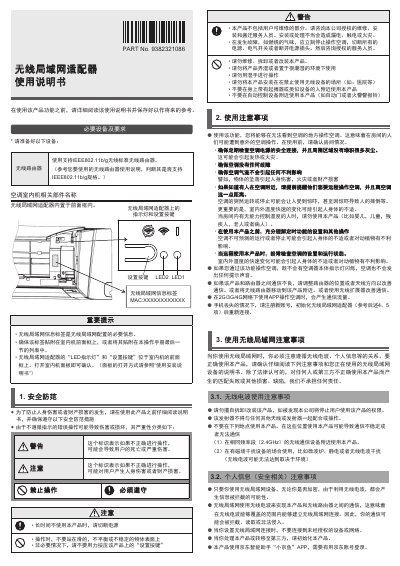
The document provides safety warnings and preparation steps before using the wireless LAN function of the air conditioner, including required equipment such as a Wi‑Fi router and the built‑in wireless adapter. It describes the location of indicator LEDs and the MAC address label needed for configuration.
It then details the process for pairing a mobile phone or tablet with the air conditioner using the JD Smart Assistant "Xiao Jingyu" app, how to initialize or reset the wireless adapter, communication specifications, usage tips, and a troubleshooting guide for common connection issues. This manual is written in Chinese.
What's inside
- Safety Precautions
- Wireless LAN Usage Notes
- Mobile Device Pairing and Login
- Initialization of Wireless LAN Adapter
- Reset Procedure
- Communication Specifications
- Usage Tips
- Troubleshooting
- Setting Details
Specifications
| Wireless LAN standard | IEEE802.11b/g |
|---|
| Frequency band | 2.4 GHz (1‑13 ch) |
|---|
| Maximum transmission power | 80 mW |
|---|
Frequently asked questions
Can the air conditioner be controlled when the power is cut off?
No. When the air conditioner loses power (via circuit breaker or plug), it cannot be operated through the app.
Is it safe to use the wireless LAN feature near medical equipment or in hospitals?
No. The manual advises not to use the product in hospitals or near medical devices such as hearing aids or pacemakers.