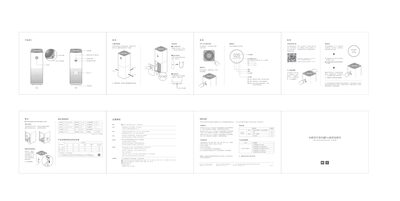
The Xiaomi Mi Home AC-M3-CA Air Purifier User Manual provides setup, operation, filter replacement, Wi‑Fi connection, maintenance and warranty information.
About this manual
This manual introduces the Mi Home AC-M3-CA air purifier, describing its main features, recommended placement and safety guidelines. It explains how to power on the device, select operating modes, and monitor air quality via the built‑in sensors.
The document also covers detailed procedures for connecting the purifier to the Mi Home app, replacing and resetting the filter, resetting Wi‑Fi, cleaning the unit, and the warranty terms. Technical specifications and hazardous substance information are listed for reference. This manual is written in Chinese.
What's inside
- Product Overview
- Operation Instructions
- Filter Replacement
- Wi‑Fi Reset
- Warranty Information
- Safety Precautions
- Technical Specifications
- Hazardous Substance Information
Frequently asked questions
How can I connect the air purifier to the Mi Home app?
Download the Mi Home app, open it, go to ‘My Devices’, tap the plus sign and add ‘Mi Home Air Purifier Pro’ to complete the connection.
What should I do if the Wi‑Fi connection fails?
Press and hold the mode button and the screen button together for 5 seconds; a tone will indicate that the Wi‑Fi has been reset.
What are the warranty periods for the device?
The main unit is covered for 1 year, while the motor, PCBA, power supply and other major components have a 3‑year warranty.