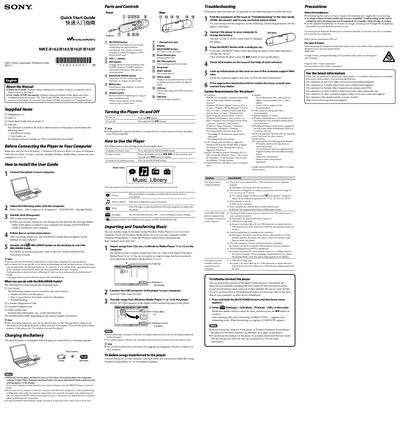
Quick start guide for Sony NWZ-B162/B163/B162F/B163F digital audio player, covering setup, charging, music transfer, and basic operation.
About this manual
This Quick Start Guide explains how to set up the Sony NWZ‑B162/B163/B162F/B163F digital audio player, import songs to a computer, transfer them to the player, and perform basic functions such as playback, recording, and FM radio. It also describes the supplied items, installation of the WALKMAN Guide, and how to charge the battery.
The guide lists system requirements for connecting the player to a PC, provides troubleshooting steps for common issues, and includes instructions for formatting the player’s internal memory and safety precautions for battery handling.
What's inside
- About the Manual
- Supplied Items
- Installing the WALKMAN Guide
- Charging the Battery
- Using the Player
- Importing and Transferring Music
- System Requirements (for the player)
- Troubleshooting
- Formatting the Player
Specifications
| Battery charging time | about 70 minutes |
|---|
| Rated current consumption | 500 mA |
|---|
Frequently asked questions
How do I charge the battery?
Connect the player to a running computer or a compatible Sony USB charger; charging takes about 70 minutes.
How can I format (initialize) the player?
From the Home menu select Settings → Initialize → Format → OK, then confirm to start formatting.
What should I do if the player does not charge?
Check that the USB connector is properly attached, ensure the ambient temperature is between 5 °C and 35 °C, and verify the computer is on and not in sleep mode.