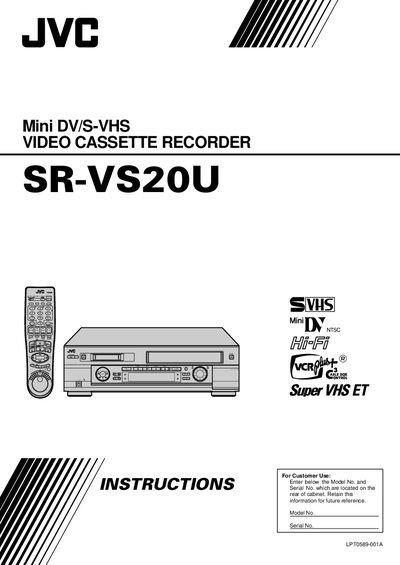
The JVC SR-VS20UMini DV/S-VHS video cassette recorder user manual provides safety guidelines, installation steps, operation instructions, and specifications.
About this manual
This manual begins with important safety instructions, grounding requirements, and power‑source guidelines for the SR‑VS20UMini VCR. It also details how to install the unit, connect antenna, TV, and audio/video cables, and set up initial clock and channel settings.
Subsequent sections cover everyday operation such as playback, recording, timer programming, editing functions, special features like VCR Plus+, and troubleshooting tips. An index and specifications are provided for quick reference.
What's inside
- Safety Instructions
- Installation
- Initial Settings
- Connections
- Timer Recording
- Editing
- Special Features
- Troubleshooting
- Specifications
Specifications
| Power supply | AC 120V, 60Hz |
|---|
| On‑screen language options | English, Spanish, French |
|---|
Frequently asked questions
What power source should be used with the SR‑VS20UMini?
The VCR must be powered from an AC 120 V, 60 Hz outlet only.
How can I change the display language on the VCR?
Open the Main Menu, select INITIAL SET, then move the highlight to LANGUAGE and press OK to choose English, Spanish or French.