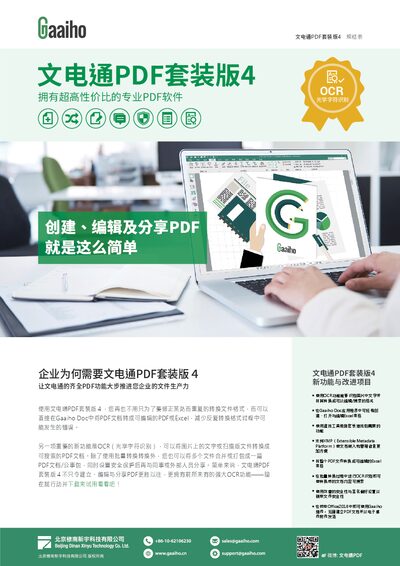
User guide for WenDianTong PDF Suite 4 covering editing, OCR, conversion, security and system requirements.
About this manual
The WenDianTong PDF Suite 4 manual explains how to create, edit, convert and share PDF files directly within Gaaiho Doc. It highlights the new OCR feature that turns scanned images into searchable and editable PDFs, as well as batch conversion, file merging, and security options.
The guide also details system requirements, hardware recommendations, and collaboration tools such as network editing, cloud integration with Evernote or Dropbox, and annotation utilities. Instructions for using the editing mode, form recognition, and exporting to Office formats are included. This manual is written in Chinese.
What's inside
- Features Overview
- OCR Functionality
- File Conversion and Editing
- Security and Sharing
- System Requirements
- Collaboration and Cloud Integration
- Form Recognition and Dynamic Forms
- Exporting to Office Formats
Specifications
| Processor | 1.3 GHz or higher |
|---|
| Memory | 1 GB (recommended 2 GB+) |
|---|
| Disk Space | 1.5 GB free |
|---|
| Supported OS | Windows Server 2008+, Windows Vista+, Microsoft Office 2003+ |
|---|
Frequently asked questions
Does WenDianTong PDF Suite 4 support OCR to convert scanned images into searchable text?
Yes, the software includes OCR functionality that can recognize text in images or scanned documents and convert it into searchable and editable PDF content.
How can I edit a PDF document directly in the software?
Open the PDF in Gaaiho Doc, switch to editing mode, and use the text, image, and formatting tools to modify the document, including adding annotations, forms, and multimedia.
Can I share PDFs securely with password protection?
Yes, you can protect PDFs with passwords or digital signatures, and use Microsoft AD RMS to restrict access to authorized users only.