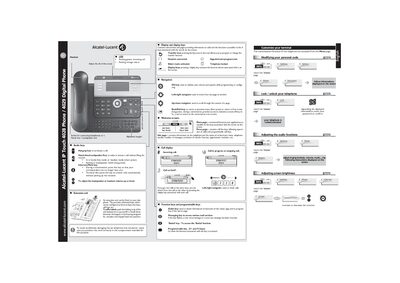
User manual for Alcatel‑Lucent IP Touch 4028 and 4029 phones, covering setup, features, call handling, and maintenance.
About this manual
The manual explains how to customize the terminal, adjust audio and screen settings, and use the various keys on the IP Touch 4028/4029 phones. It includes step‑by‑step instructions for making and receiving calls, call diversion, voice mail, and conference features.
Safety warnings, compliance information, and guidance for cleaning and handling the handset are also provided, along with details on LED indicators and optional extension units.
What's inside
- Customize your terminal
- Using your telephone
- Making a call
- Receiving a call
- Voice message service
- Directory and call‑by‑name
- Sending DTMF signals
- Transferring and conferencing calls
- Safety and compliance
Specifications
| LED indicator (incoming call) | flashing green |
|---|
Frequently asked questions
How do you lock or unlock the telephone?
Access the Menu page, enter your password, and select the lock/unlock option.
How can you adjust the ringing volume?
From the Menu page choose Phone Ringing settings and adjust melody, volume, or mode as instructed on the screen.
What does a flashing green LED indicate?
A flashing green LED signals an incoming call.