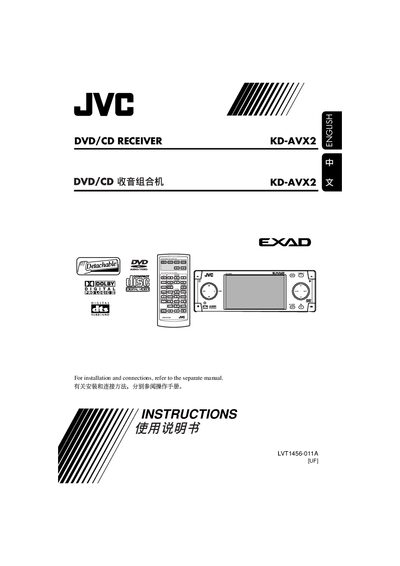
The JVC KD-AVX2 DVD/CD Receiver user manual provides installation, operation, safety warnings, and specifications.
About this manual
This manual explains how to install and connect the KD-AVX2 receiver, how to operate the remote controller, and how to use the on‑screen menu for DVD, CD, and iPod playback. Safety warnings for laser products and driving use are included.
Technical specifications such as audio power output, tuner frequency ranges, video formats, and dimensions are listed, along with troubleshooting tips and maintenance procedures.
What's inside
- Control panel
- Remote controller
- Getting started
- Disc operations
- Dual Zone operations
- AV Menu settings
- Maintenance
- Troubleshooting
- Specifications
Specifications
| Maximum Power Output (Front) | 50 W per channel |
|---|
| Maximum Power Output (Rear) | 50 W per channel |
|---|
| Continuous Power Output RMS (Front) | 20 W per channel into 4 Ω |
|---|
| Load Impedance | 4 Ω (4 Ω to 8 Ω allowance) |
|---|
| Signal‑to‑Noise Ratio (Audio) | 70 dB |
|---|
| FM Frequency Range | 87.5 MHz to 108.0 MHz |
|---|
| AM Frequency Range | 531 kHz to 1 602 kHz |
|---|
| Maximum MP3/WMA Bit Rate | 320 kbps |
|---|
| Monitor Screen Size | 3.5‑inch LCD |
|---|
| Dimensions (W × H × D) | 182 mm × 52 mm × 160 mm |
|---|
| Weight | 1.9 kg (excluding accessories) |
|---|
Frequently asked questions
How do I forcibly eject a disc that will not eject?
Press 5 / ∞ repeatedly to select “EMERGENCY EJECT?” then press ENT.
How can I reset the receiver?
Reset the microcomputer; this also erases any preset adjustments.
Which DVD region code does the KD‑AVX2 support?
It supports Region Code 6.
What battery type is required for the remote controller?
A CR2025 lithium coin battery.