About this manual
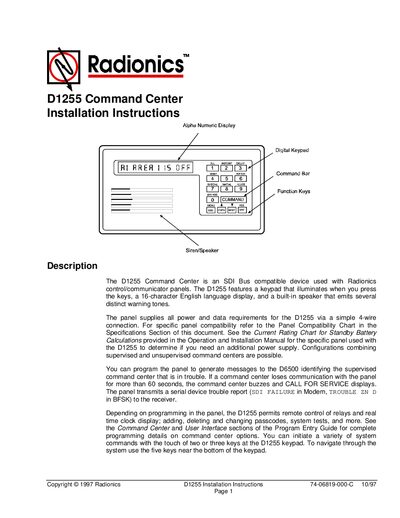
These installation instructions describe the D1255 Command Center, an SDI‑bus compatible keypad with a 16‑character display, illuminated keys, and a built‑in speaker. The document explains how the unit communicates with control panels, provides audible tones, and can be programmed for various system functions.
The guide covers mounting options, wiring with a 4‑wire flying lead, DIP switch address configuration, and includes a full specifications table with dimensions, power requirements, environmental limits, and maximum wire length.
What's inside
- Description
- Digital Keypad
- Audible Tones
- DIP Switch Settings and Associated Functions
- Mounting the D1255
- Wiring the D1255
- Specifications
Specifications
| Height | 4.56" |
|---|
| Width | 8.15" |
|---|
| Depth | 0.816" |
|---|
| Color | Warm Gray |
|---|
| Display | 16‑character vacuum fluorescent, soft blue |
|---|
| Operating Temperature | 32° to 122° F (0° to 50°C) |
|---|
| Relative Humidity | 5% to 85% @ 86°F (30°C) |
|---|
| Nominal Power Supply | 12 VDC supplied by the panel |
|---|
| Idle Current | 104 mA |
|---|
| Maximum Current | 206 mA |
|---|
| Maximum Wire Run | 2000 ft with 22 AWG wire |
|---|
Frequently asked questions
How do you set the address of the D1255 Command Center?
Use the six‑position DIP switch under the cover; switches 1‑4 and 6 assign the address, while switch 5 toggles the encoding tone.
What is the maximum recommended wire length for the D1255?
The maximum recommended wire run is 2000 ft using 22 gauge wire.
How can the speaker volume be adjusted?
Turn the potentiometer clockwise to increase volume and counter‑clockwise to decrease it.