
Key facts
- Manuals
- 1
- Languages
- EN
- Last added
- 2012-03-06
Featured 香港理光 manuals
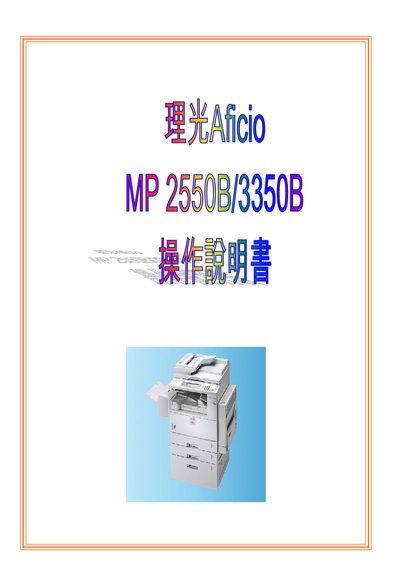
Ricoh Aficio MP 2550B/3350B User Manual
This manual covers the operation of the Ricoh Aficio MP 2550B/3350B multifunction printer, including user authentication, system settings, and administration tools. It guides users through configuring user codes, managing address books, and handling print counters.
The document also details network and file management functions, offering step‑by‑step procedures for administrators to control access and monitor usage across the device.
Covers: User Tools · System Settings · Administrator Tools · Address Book Management · Network Management · Print Counter Management
Latest 香港理光 manuals
Ricoh Aficio MP 2550B/3350B User Manual
User Manual 62 pages · 2.4 MB · ENThe Ricoh Aficio MP 2550B/3350B user manual provides instructions for setting user codes, managing counters, and accessing system tools.
Which document do I need?
User Manual
Day-to-day operation, settings and troubleshooting. Start here if the product is already set up.
Questions answered in 香港理光 manuals
How do I set a user code on the Ricoh Aficio MP 2550B/3350B?
Use the Set User Code menu, which lists options such as User Tools, System Settings, and Administrator Tools for configuring a user code.
How can I view or clear the print counter for a specific user?
Select the Print Counter List under User Tools, then choose Display/Clear/Print Counter Per User Code to view or reset the counter.