
Key facts
- Manuals
- 3
- Languages
- ZH
- Last added
- 2026-10-01
Featured 双杰 manuals
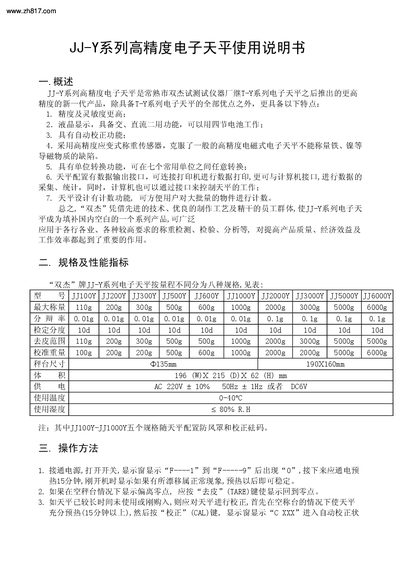
Shuangjie JJ-Y Series High-Precision Electronic Balance User Manual
The Shuangjie JJ‑Y series high‑precision electronic balance offers higher accuracy and sensitivity than previous models, with an LCD display, dual AC/DC power, automatic calibration, strain‑gauge sensor, unit conversion among seven units, data output via RS‑232C, and a counting function for batch weighing.
The manual provides an overview of the product, detailed specifications, step‑by‑step operating procedures, setting adjustments, external structure diagram, and safety precautions to ensure reliable and accurate weighing in various industrial and laboratory environments. This manual is written in Chinese.
Covers: Overview · Specifications and Performance · Operating Procedure · Parameter Settings · External Structure Diagram · Safety Precautions
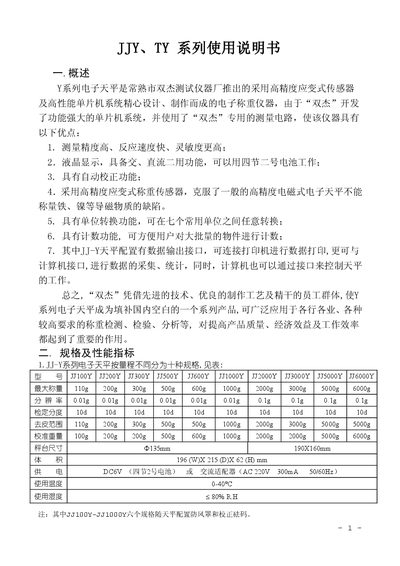
Shuangjie JJY, TY Series Electronic Balance User Manual
This manual describes the JJY and TY series electronic balances produced by Shuangjie (G&G Measurement Plant). The balances feature high‑precision strain‑gauge sensors, LCD display, automatic calibration, unit conversion, counting function, and optional RS‑232 data output for the JJ‑Y models.
The document includes product specifications, detailed operation steps (power‑on, tare, calibration, counting, unit conversion), data‑output settings, configuration parameters, safety and usage notes, packing list, and warranty terms. This manual is written in Chinese.
Covers: Overview · Specifications and Performance · Physical Layout · Operation Instructions · Data Output Function · Parameter Settings
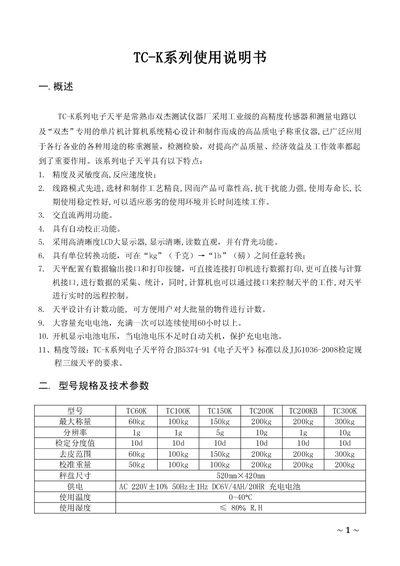
Shuangjie TC-K Series Electronic Balance User Manual
The TC‑K series electronic balances are high‑precision weighing instruments designed by Shuangjie Test Instruments Co., Changshu. They feature high accuracy, fast response, AC/DC operation, automatic calibration, unit conversion, data output, counting function, and a long‑life rechargeable battery.
This manual provides safety precautions, preparation steps, detailed operating instructions (power on, tare, unit conversion, backlight, printing, calibration, counting), communication settings for RS‑232, fault diagnosis, accessories list, and warranty information. This manual is written in Chinese.
Covers: Overview · Model specifications and technical parameters · Preparation and safety precautions · Operating procedures · Data output and communication · Physical layout and installation
Latest 双杰 manuals
Shuangjie JJ-Y Series High-Precision Electronic Balance User Manual
User Manual 4 pages · 338 KB · ZHThis manual explains features, specifications, operation, calibration, data output and safety for the Shuangjie JJ‑Y series high‑precision electronic balance.
Shuangjie JJY, TY Series Electronic Balance User Manual
User Manual 6 pages · 379 KB · ZHThe Shuangjie JJY and TY series electronic balances user manual provides specifications, operation instructions, data output, and warranty information.
Shuangjie TC-K Series Electronic Balance User Manual
User Manual 7 pages · 281 KB · ZHUser manual for Shuangjie TC‑K series electronic balances covering setup, operation, calibration, data output and troubleshooting.
Which document do I need?
User Manual
Day-to-day operation, settings and troubleshooting. Start here if the product is already set up.
Questions answered in 双杰 manuals
What does the “COUNT” key do?
It activates the counting function, allowing you to set a sample weight and then count items based on that weight.
From: Shuangjie JJ-Y Series High-Precision Electronic Balance User Manual
How do I tare (zero) the balance?
Press the “TARE” key; the display will return to zero, allowing you to weigh items without the weight of the container.
From: Shuangjie JJY, TY Series Electronic Balance User Manual
How is the balance calibrated?
Press the “CAL” key; the display shows “C XXX” indicating the required calibration weight, place the weight on the platform, and the balance will automatically calibrate.
From: Shuangjie JJY, TY Series Electronic Balance User Manual
How do I tare (zero) the balance?
Press the TARE key until the display returns to zero; if the display is off‑zero, press TARE again to reset.
How can I switch between kilogram and pound units?
In weighing mode, press the unit‑conversion key to toggle between “kg” and “lb”. The display unit changes accordingly.