
Key facts
- Manuals
- 1
- Languages
- ZH
- Last added
- 2012-01-11
Featured 中邮 manuals
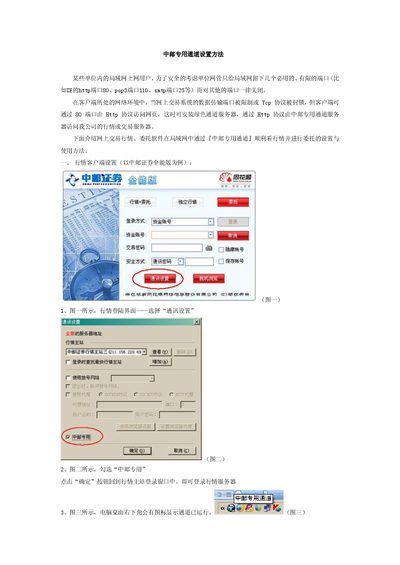
Zhongyou Securities All-in-One Private Channel Installation Guide
This guide explains how to configure the Zhongyou private channel on a corporate LAN where only a few ports (e.g., HTTP 80, POP3 110, SMTP 25) are open. By using the private channel server over HTTP, users can access Zhongyou market data and trading services despite network restrictions.
The document covers settings for both the market client and the order client, including enabling the "Zhongyou专用" option, configuring proxy settings with the "绿色通道" protocol, and entering required server addresses and credentials. This manual is written in Chinese.
Covers: Channel Overview · Market Client Settings · Order Client Settings · Proxy Server Configuration · Troubleshooting
Latest 中邮 manuals
Zhongyou Securities All-in-One Private Channel Installation Guide
Installation Guide 2 pages · 179 KB · ZHStep‑by‑step instructions for configuring the Zhongyou private channel on market and order clients.
Which document do I need?
Installation Guide
Mounting, wiring and first power-up. Read it before the hardware goes in.
Questions answered in 中邮 manuals
How do I enable the Zhongyou private channel in the market client?
Open the communication settings, check the "中邮专用" option, and confirm to return to the market login window.
From: Zhongyou Securities All-in-One Private Channel Installation Guide
What should I do if the client’s port 80 is occupied?
The private channel cannot operate; ensure that port 80 is free before configuring.
From: Zhongyou Securities All-in-One Private Channel Installation Guide