
Key facts
- Manuals
- 1
- Languages
- ZH
- Last added
- 2011-12-17
Featured Shanghai光华仪表 manuals
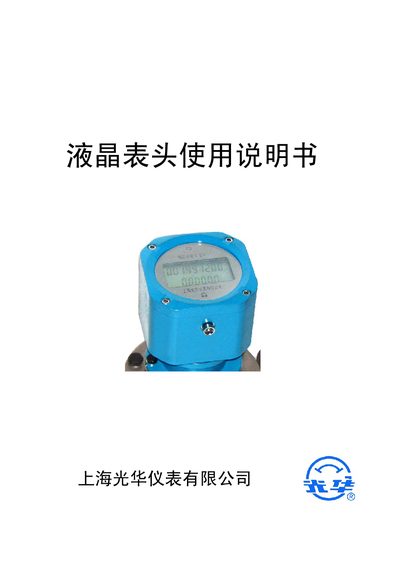
Guanghua Instruments Liquid Crystal Flow Meter User Manual
This guide describes the main functions of the liquid crystal flow meter, including total, class and instantaneous flow display, time/date readout, 4‑20 mA analog output, communication options, and external sensor handling. It also details the three-key keypad used for navigation, data entry, and parameter adjustments.
The document provides step‑by‑step instructions for setting flow display formats, units (L or m³, L/s or m³/h), pulse equivalents, baud rates, rotation direction, and shift‑reset options. Wiring diagrams and battery replacement procedures are included to ensure proper installation and maintenance. This manual is written in Chinese.
Covers: Function Description · Keypad Description · Display and Operation · Parameter Settings · Wiring Diagram · Battery Replacement
Latest Shanghai光华仪表 manuals
Guanghua Instruments Liquid Crystal Flow Meter User Manual
User Manual 8 pages · 182 KB · ZHThe manual explains functions, keypad operation, display settings, parameter configuration, wiring, and battery replacement for the Guanghua liquid crystal…
Which document do I need?
User Manual
Day-to-day operation, settings and troubleshooting. Start here if the product is already set up.
Questions answered in Shanghai光华仪表 manuals
How can I clear the class flow total?
Press and hold the k3 key for more than 5 seconds to reset the class flow counter.
From: Guanghua Instruments Liquid Crystal Flow Meter User Manual
How do I set the time and date?
Enter the time/date screen, press k2 to select a field, then use k2 to increment the value; use k1/k3 to move the cursor.
From: Guanghua Instruments Liquid Crystal Flow Meter User Manual