
Key facts
- Manuals
- 1
- Languages
- ZH
- Last added
- 2012-03-12
Featured WVC无线电磁阀控制器 manuals
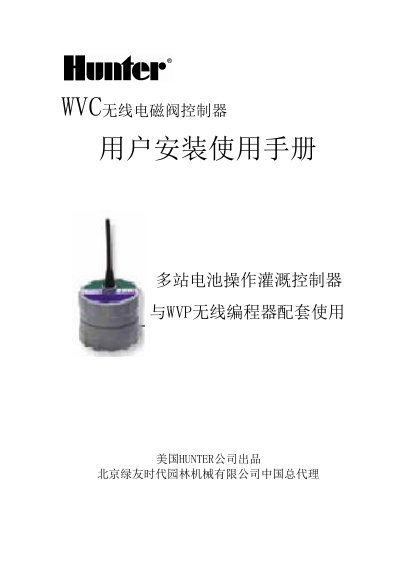
Hunter WVC Wireless Valve Controller Installation Manual
The WVC wireless valve controller is powered by a single 9 V alkaline battery and can control two (WVC‑200) or four (WVC‑400) DC electromagnetic valves. It communicates wirelessly with a WP programming unit on 900 MHz (US/AU) or 868 MHz (EU) frequencies, allowing programming and manual irrigation without opening the valve box.
The manual details how to install the battery, connect DC valves with waterproof connectors (max 30 m cable length), set a unique three‑digit address using the WP programmer, mount the controller on valve boxes or poles, and optionally connect weather sensors. FCC and IC compliance notes are also included. This manual is written in Chinese.
Covers: Introduction · Controller Components · Battery Installation · Connecting DC Valve · Wireless Communication · Setting Controller Address
Latest WVC无线电磁阀控制器 manuals
Hunter WVC Wireless Valve Controller Installation Manual
Installation Guide 8 pages · 70 KB · ZHThe Hunter WVC installation manual provides step‑by‑step instructions for battery installation, wiring, wireless setup, and optional accessories.
Which document do I need?
Installation Guide
Mounting, wiring and first power-up. Read it before the hardware goes in.
Questions answered in WVC无线电磁阀控制器 manuals
How do I set a unique address for the WVC controller?
Press the send/receive button on the WP programmer, use the keypad to enter a three‑digit code (000‑999), then confirm; the controller will acknowledge with a tone.
From: Hunter WVC Wireless Valve Controller Installation Manual
What battery is required for the controller?
A standard 9 V alkaline battery is required; the controller runs on a single battery for about one irrigation season.
From: Hunter WVC Wireless Valve Controller Installation Manual