
Key facts
- Manuals
- 1
- Languages
- ZH
- Last added
- 2012-03-21
Featured WinFlash manuals
Phoenix Technologies WinFlash User Manual (Simple Version)
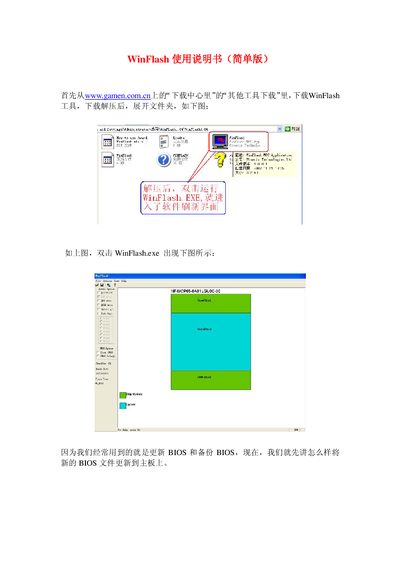
The manual begins with instructions for downloading WinFlash from the website, extracting the archive, and launching WinFlash.exe to open the software interface. It also provides the software version (1.0.0.1) and file size details.
The core sections describe how to select a BIOS file, use the Update button to flash the motherboard BIOS, and confirm a reboot, as well as how to save a BIOS backup by clicking the Save button, choosing a .BIN filename, and pressing the Backup option. The guide ends with instructions for exiting the program. This manual is written in Chinese.
Covers: Installation · BIOS Update · BIOS Backup · Saving BIOS Files · Exiting the Software
Latest WinFlash manuals
Phoenix Technologies WinFlash User Manual (Simple Version)
User Manual 6 pages · 406 KB · ZHThis Phoenix Technologies WinFlash User Manual explains how to update and backup motherboard BIOS using the WinFlash tool.
Which document do I need?
User Manual
Day-to-day operation, settings and troubleshooting. Start here if the product is already set up.
Questions answered in WinFlash manuals
How do I update the motherboard BIOS with WinFlash?
After launching WinFlash, select the BIOS file, click the Update button, and confirm the reboot when prompted.
From: Phoenix Technologies WinFlash User Manual (Simple Version)
What file type should I use when saving a BIOS backup?
Choose the *.BIN file type in the Save dialog to store the BIOS as a binary file.
From: Phoenix Technologies WinFlash User Manual (Simple Version)