
Key facts
- Manuals
- 1
- Languages
- ZH
- Last added
- 2011-09-25
Featured WHR-G125 manuals
Buffalo WHR-G125 User Manual
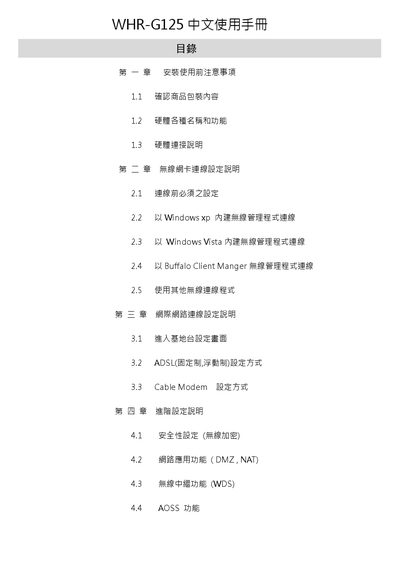
This manual covers safety precautions, hardware overview, and step‑by‑step installation of the WHR‑G125 router. It explains the function of each LED, ports, and the reset procedure, and shows how to connect the device using Windows built‑in wireless managers or the Buffalo client software.
The guide also details network configuration options such as ADSL, cable modem, DMZ, NAT, WDS, and AOSS, and includes a Q&A section for common troubleshooting problems like resetting to factory defaults, default IP settings, and firewall limitations. This manual is written in Chinese.
Covers: Safety Precautions · Hardware Overview · Wireless Setup · Network Configuration · Advanced Features (DMZ, NAT, WDS, AOSS) · Troubleshooting (Q&A)
Latest WHR-G125 manuals
Buffalo WHR-G125 User Manual
User Manual 85 pages · 6.9 MB · ZHThe Buffalo WHR-G125 user manual provides setup, configuration, and troubleshooting instructions for this wireless router.
Which document do I need?
User Manual
Day-to-day operation, settings and troubleshooting. Start here if the product is already set up.
Questions answered in WHR-G125 manuals
What is the default IP address of the router?
The default IP address is 192.168.11.1.
How can I extend the wireless coverage using WDS?
Use two wireless base stations and enable the WDS function to extend the wireless range.