
Key facts
- Manuals
- 1
- Languages
- JA
- Last added
- 2012-02-13
Featured W63CA manuals
Casio W63CA User Manual
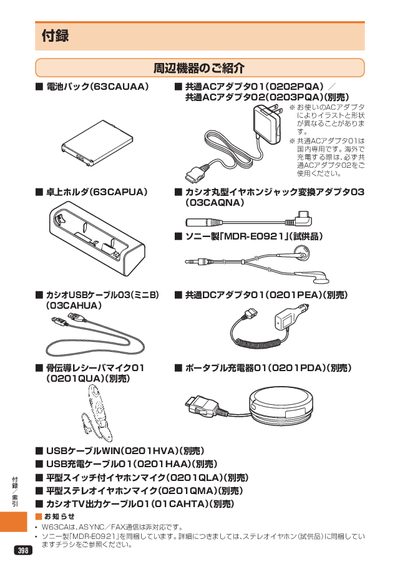
This manual explains how to replace and install the battery pack, how to charge the device using the common AC adapter, and how to connect various earphone accessories, including flat‑type and round‑type earphone‑mic adapters. It also covers basic operation such as making and receiving calls with the earphone mic and provides guidance on handling the device in different temperature conditions.
Additional sections describe troubleshooting steps for common issues (e.g., no display, power loss), warranty and after‑service procedures, and details about the optional accessories and recycling information. This manual is written in Japanese.
Covers: Battery Pack Replacement · Charging Procedure · Earphone and Mic Setup · Troubleshooting · After‑Service and Warranty
Latest W63CA manuals
Casio W63CA User Manual
User Manual 56 pages · 6 MB · JAThe Casio W63CA user manual provides step‑by‑step instructions for battery replacement, charging, earphone setup, troubleshooting and service information.
Which document do I need?
User Manual
Day-to-day operation, settings and troubleshooting. Start here if the product is already set up.
Questions answered in W63CA manuals
How do I make a call using the flat‑type earphone mic?
Press the mic switch until you hear a “pip‑pip” sound, then release; the phone will dial the displayed number.
From: Casio W63CA User Manual