
Key facts
- Manuals
- 1
- Languages
- EN
- Last added
- 2012-03-21
Featured VideoWonder manuals
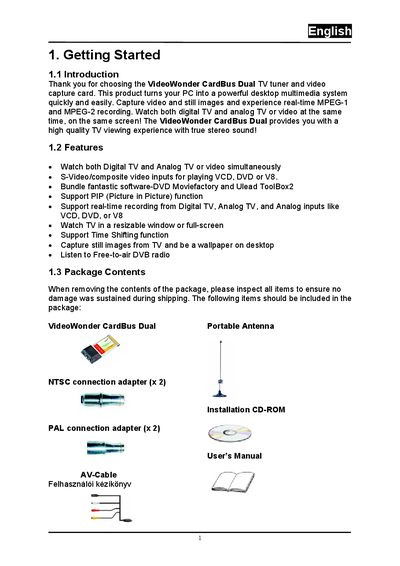
VideoWonder CardBus Dual User Manual
This manual introduces the VideoWonder CardBus Dual TV tuner and video capture card, describing its features such as simultaneous digital and analog TV viewing, picture‑in‑picture, time‑shifting, and real‑time MPEG‑1/2 recording. It lists the package contents and system requirements needed for proper operation.
Installation steps cover hardware insertion, DirectX installation, driver setup for Windows 2000/XP, and software installation for DTV and DVD MovieFactory. Subsequent sections explain using the DTV interface, scanning for digital channels, scheduling recordings, taking snapshots, and playing back recorded media.
Covers: Getting Started · System Requirements · Input & Output Connections · Installation · Driver Installation · DTV Interface Overview
Latest VideoWonder manuals
VideoWonder CardBus Dual User Manual
User Manual 23 pages · 1.5 MB · ENThe VideoWonder CardBus Dual user manual provides setup, driver installation, and operation instructions for the PC TV tuner and video capture card.
Which document do I need?
User Manual
Day-to-day operation, settings and troubleshooting. Start here if the product is already set up.