
Key facts
- Manuals
- 1
- Languages
- ZH
- Last added
- 2012-01-14
Featured UT-66XX manuals
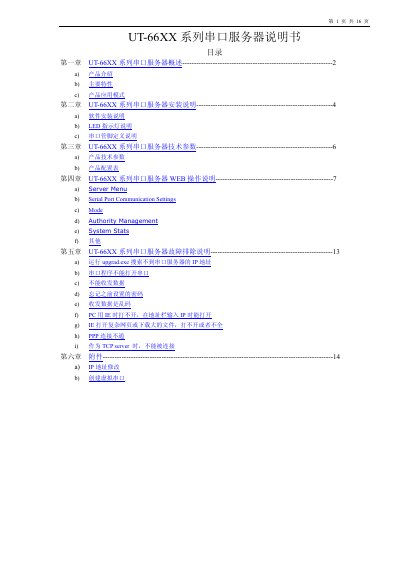
UT 66XX Series Serial Server User Manual
The UT‑66XX series serial servers convert RS232/422/485 ports to Ethernet with a built‑in CPU, embedded OS and full TCP/IP stack. They support dynamic (DHCP) and static IP, PPP, routing, DNS, and provide a web‑based configuration interface.
The manual includes product overview, installation steps, technical specifications, web‑based configuration guide, and a detailed troubleshooting section for common issues such as IP discovery, port access, and password recovery. This manual is written in Chinese.
Covers: Product Overview · Installation Instructions · Technical Parameters · Web Operation Guide · Troubleshooting · Attachments
Latest UT-66XX manuals
UT 66XX Series Serial Server User Manual
User Manual 16 pages · 541 KB · ZHThe UT‑66XX series serial‑to‑Ethernet servers manual covers overview, installation, configuration, web operation, and troubleshooting.
Which document do I need?
User Manual
Day-to-day operation, settings and troubleshooting. Start here if the product is already set up.
Questions answered in UT-66XX manuals
How can I reset a forgotten password on the UT‑66XX server?
Press and hold the reset button for about 3 seconds; the password is temporarily cleared, but it will be restored after power‑off and power‑on.