
Key facts
- Manuals
- 2
- Languages
- ZH
- Last added
- 2012-07-06
Featured USP manuals
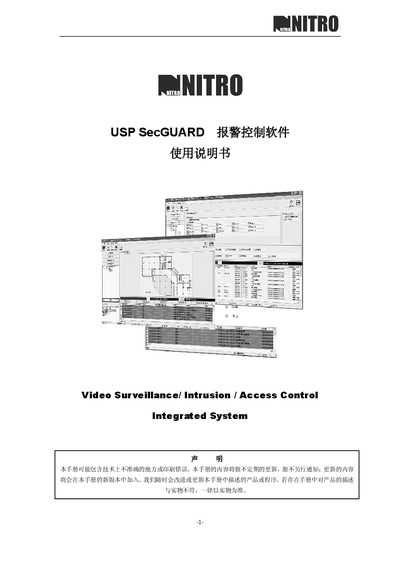
NITRO SecGUARD Alarm Control Software User Manual
This manual provides step‑by‑step instructions for installing and configuring the NITRO SecGUARD alarm control software. It includes details on required hardware, operating system, database setup, and license acceptance.
The document also describes how to connect to the database, manage security zones, and troubleshoot common issues during operation. This manual is written in Chinese.
Covers: Introduction · Installation · System Requirements · Database Setup · Configuration · Data Connection
Latest USP manuals
USP Armorer manual
NITRO SecGUARD Alarm Control Software User Manual
User Manual 39 pages · 2.7 MB · ZHUser manual for NITRO SecGUARD alarm control software, covering installation, configuration and system requirements.
Which document do I need?
User Manual
Day-to-day operation, settings and troubleshooting. Start here if the product is already set up.
Questions answered in USP manuals
What are the minimum system requirements for SecGUARD?
SecGUARD requires a P4 2.0 GHz CPU, 1 GB RAM, 40 GB disk space, Windows XP or Windows 2000, and either Microsoft SQL Server or MSDE.
What should I do if the software warns about copyright protection?
Read and accept the license agreement shown during installation; the warning indicates the program is protected by copyright law.