
Key facts
- Manuals
- 1
- Languages
- ZH
- Last added
- 2011-12-12
Featured USB无线网电话 manuals
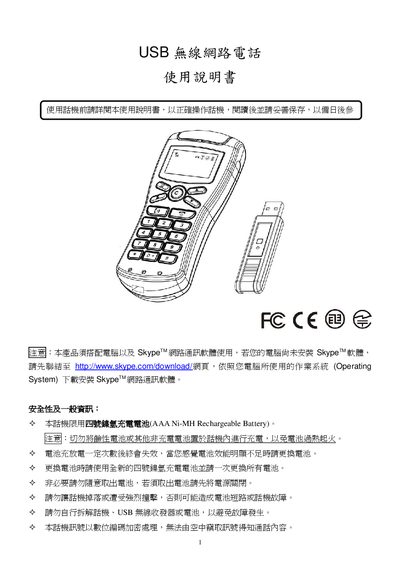
USB Wireless Phone User Manual
This manual explains how to install the required drivers and Skype software, connect the USB wireless phone, and operate its functions such as making calls, adjusting volume, and accessing contacts. It also covers battery replacement, safety precautions, and troubleshooting steps.
The device works with four AAA Ni‑MH rechargeable batteries and requires a computer with at least a 1 GHz CPU running Windows 2000/XP/Vista or macOS 10.4 or later. Detailed steps are provided for both Windows and macOS installations. This manual is written in Chinese.
Covers: Package Contents · System Requirements · Driver Installation · Phone Setup · Operating the Phone · Battery Replacement
Latest USB无线网电话 manuals
USB Wireless Phone User Manual
User Manual 17 pages · 1.3 MB · ZHInstructions for setting up and using the USB wireless phone with Skype on Windows or Mac.
Which document do I need?
User Manual
Day-to-day operation, settings and troubleshooting. Start here if the product is already set up.
Questions answered in USB无线网电话 manuals
How do I install the driver on Windows?
Insert the USB wireless receiver, run the installer, and follow the prompts to install the driver and .NET Framework if required.
How do I replace the batteries in the phone?
Open the battery cover, insert four new AAA Ni‑MH rechargeable batteries with correct polarity, and close the cover; the phone will power on automatically.