
Key facts
- Manuals
- 2
- Languages
- ZH
- Last added
- 2026-09-29
Featured Unique manuals
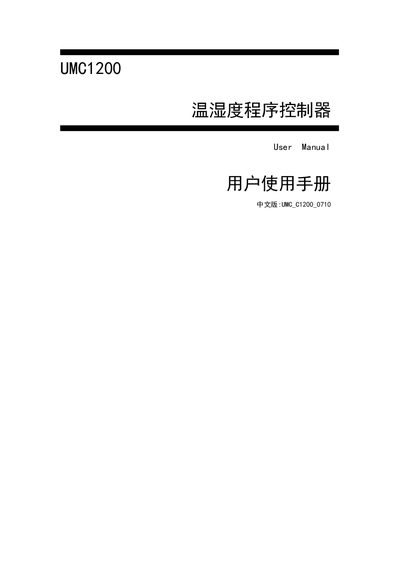
UNIQUE UMC1200 Temperature Humidity Controller User Manual
The UMC1200 is a temperature‑humidity controller with a resistive touch‑screen interface. The manual explains the main functions, including mode selection, program control, set‑point control, real‑time and historical curves, and parameter viewing.
Detailed instructions are provided for advanced operations such as editing process steps, linking multiple processes, and configuring system settings like time, power‑on reservation and password changes. This manual is written in Chinese.
Covers: Preface · Operation Function Description · Mode Selection · Program Control · Set‑point Control · Real‑time Curve
Latest Unique manuals
UNIQUE UMC1200 Temperature Humidity Controller User Manual
User Manual 34 pages · 1.9 MB · ZHUser manual for the UNIQUE UMC1200 temperature‑humidity controller, covering operation, programming and system settings.
Unique optical performance of the Cary 50 UV-Vis Spectrophotometer ideal for analyzing microvolume samples handbook
This document is about the technical overview of Cary 50 UV-Vis spectrophotometer, which introduces the unique optical performance of the spectrophotometer, especially suitable for analyzing microvolume samples
Which document do I need?
User Manual
Day-to-day operation, settings and troubleshooting. Start here if the product is already set up.
Questions answered in Unique manuals
How do I enter the mode selection screen?
Press the “模式选择” button twice on the function selection screen to open the mode selection window.
From: UNIQUE UMC1200 Temperature Humidity Controller User Manual
How can I add a new step to a process?
Press the “插入” button; each press adds one step to the current process.
From: UNIQUE UMC1200 Temperature Humidity Controller User Manual