
Key facts
- Manuals
- 1
- Languages
- ZH
- Last added
- 2012-03-21
Featured T系列 manuals
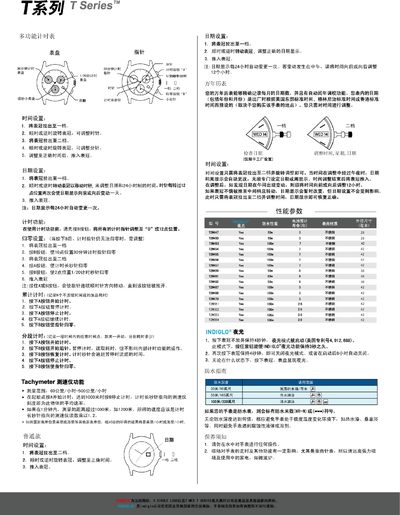
TSeries Multi-Function Timer Manual
This manual describes how to set the time and date on the TSeries timer, including adjustments for 12‑hour and 24‑hour formats. It also covers the operation of the stopwatch, cumulative timing, split timing, and the tachymeter speed‑measurement function.
Additional sections explain the night‑light activation, water‑resistance limits, and care instructions such as avoiding strong magnetic fields and extreme temperature changes. This manual is written in Chinese.
Covers: Time Setting · Date Setting · Stopwatch Functions · Tachymeter Function · Night Light · Water Resistance
Latest T系列 manuals
TSeries Multi-Function Timer Manual
User Manual 1 pages · 731 KB · ZHThe TSeries multi-function timer manual explains time, date, stopwatch, tachymeter, water resistance and maintenance features.
Which document do I need?
User Manual
Day-to-day operation, settings and troubleshooting. Start here if the product is already set up.
Questions answered in T系列 manuals
How do I set the time on the TSeries timer?
Pull the crown out to the first position, rotate it clockwise or counter‑clockwise to adjust the hour hand, then pull it to the second position to adjust the minute hand, and push the crown back in when finished.
How is the night‑light mode activated?
Press and hold the crown for about 4 seconds to turn on the night‑light; press again for 4 seconds to turn it off.