
Key facts
- Manuals
- 1
- Languages
- EN
- Last added
- 2012-03-12
Featured Suzanne manuals
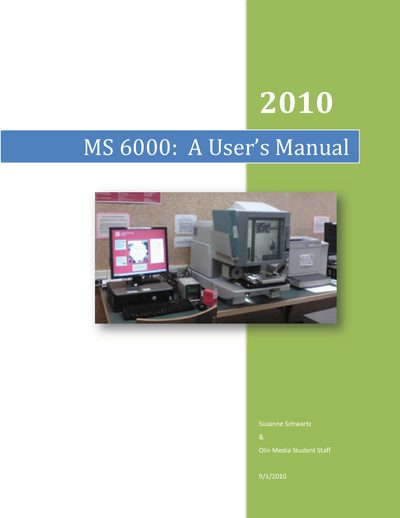
MS6000 User Manual
The MS6000 microfilm scanner allows users to capture images from microfilm and microfiche, scan them to a hard drive, save as PDF, burn to CD, email, or print hard copies. The manual covers basic operation such as turning on the machine, loading film, and using the carrier controls to view and navigate images.
Additional sections describe lens types and magnification ranges, how to change lenses safely, printing procedures, and detailed error‑code messages with troubleshooting steps for both the scanner and attached printer.
Covers: Introduction · How to Load Microfilm · Microfilm Carrier Controls · Lens Types · Changing the Lens · Printing Hard Copies
Latest Suzanne manuals
MS6000 User Manual
User Manual 30 pages · 1.7 MB · ENThe MS6000 user manual explains how to load microfilm, operate scanning and printing, change lenses, and troubleshoot error codes.
Which document do I need?
User Manual
Day-to-day operation, settings and troubleshooting. Start here if the product is already set up.
Questions answered in Suzanne manuals
What does error code E1 indicate?
E1 means the power to the printer is off or there is a problem with the interface cable connection; turn on the printer and ensure the cable is securely connected.
From: MS6000 User Manual