
Key facts
- Manuals
- 1
- Languages
- ZH
- Last added
- 2012-02-29
Featured SCICOS动态系统建构及模拟器 manuals
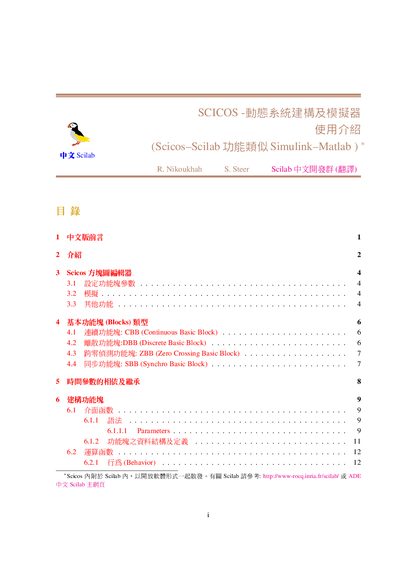
Scilab Scicos Dynamic System Builder and Simulator Introduction
This document provides a brief overview of Scicos, the Scilab Connected Object Simulator, and explains its purpose for modeling and simulating dynamic systems. It introduces the main concepts, such as continuous and discrete subsystems, and describes how to launch the Scicos block editor within Scilab.
The guide details the four basic block types—Continuous, Discrete, Zero‑Crossing, and Synchro—along with their input/output ports and activation behavior. It also explains how to construct models by adding blocks from palettes, linking them, and running simulations, as well as how to save and load block diagrams. This manual is written in Chinese.
Covers: Preface · Introduction · Scicos Block Editor · Basic Block Types · Time Parameter Dependencies · Constructing Blocks
Latest SCICOS动态系统建构及模拟器 manuals
Scilab Scicos Dynamic System Builder and Simulator Introduction
User Manual 22 pages · 335 KB · ZHAn introductory guide to Scilab's Scicos dynamic system builder and simulator, covering basic blocks, construction, and usage.
Which document do I need?
User Manual
Day-to-day operation, settings and troubleshooting. Start here if the product is already set up.
Questions answered in SCICOS动态系统建构及模拟器 manuals
Can a Scicos model be saved and reloaded later?
Yes, a constructed Scicos diagram can be saved to a file and later loaded without reopening the editor.
From: Scilab Scicos Dynamic System Builder and Simulator Introduction