
Key facts
- Manuals
- 1
- Languages
- EN
- Last added
- 2012-03-16
Featured SCD303/D305/D307 manuals
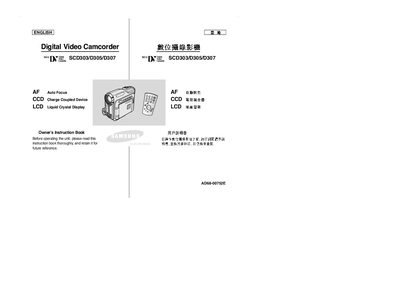
Samsung SCD303/D305/D307 Camcorder User Manual
This manual introduces the SCD303/D305/D307 camcorder, covering safety notes, hardware overview, and accessories such as remote controls and battery packs. It explains how to power the device, install batteries, and use the LCD screen and viewfinder.
Detailed sections guide users through basic and advanced recording functions, playback options, memory card handling, MPEG recording, and troubleshooting. Maintenance tips include cleaning the video head and handling the battery pack safely.
Covers: Notes and Safety Instructions · Getting to Know Your Camcorder · Features and Accessories · Basic Recording · Advanced Recording · Playback and Memory Card
Latest SCD303/D305/D307 manuals
Samsung SCD303/D305/D307 Camcorder User Manual
User Manual 106 pages · 6.5 MB · ENThe Samsung SCD303/D305/D307 camcorder user manual provides setup, operation, and maintenance instructions.
Which document do I need?
User Manual
Day-to-day operation, settings and troubleshooting. Start here if the product is already set up.
Questions answered in SCD303/D305/D307 manuals
How should the LCD screen be handled?
Rotate the LCD screen carefully as illustrated; improper rotation may damage the hinge.
What must be avoided to prevent damage from moisture?
Do not let the camcorder get wet; keep it away from rain, sea water, and other moisture sources.