
Key facts
- Manuals
- 1
- Languages
- ZH
- Last added
- 2012-01-16
Featured S3 manuals
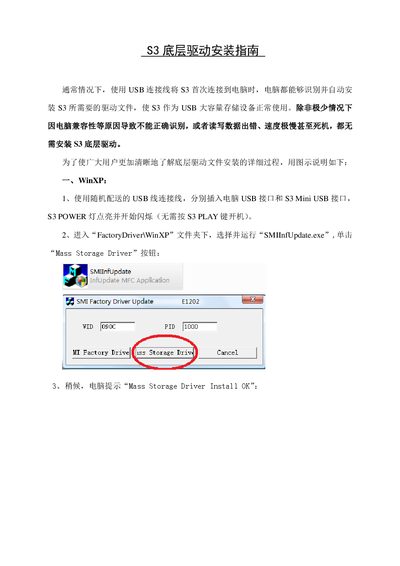
S3 Bottom Layer Driver Installation Guide
The guide provides step‑by‑step instructions for installing the S3 bottom‑layer driver on Windows XP. Users connect the S3 via the supplied USB cable, run the SMIInfUpdate.exe program, select the Mass Storage Driver option, and follow the Windows hardware wizard to complete the installation.
For Windows Vista, the same USB connection is used, but the installer must be run in Windows XP compatibility mode. After adjusting the compatibility settings, the user runs SMIInfUpdate.exe and proceeds through the same wizard steps to install the driver successfully. This manual is written in Chinese.
Covers: Windows XP driver installation · Windows Vista driver installation · Compatibility mode settings · Driver installation completion · Troubleshooting driver issues
Latest S3 manuals
S3 Bottom Layer Driver Installation Guide
Installation Guide 7 pages · 533 KB · ZHThis guide explains how to install the S3 bottom layer driver on Windows XP and Vista systems.
Which document do I need?
Installation Guide
Mounting, wiring and first power-up. Read it before the hardware goes in.