
Key facts
- Manuals
- 1
- Languages
- EN
- Last added
- 2012-01-08
Featured QUICKSTORE manuals
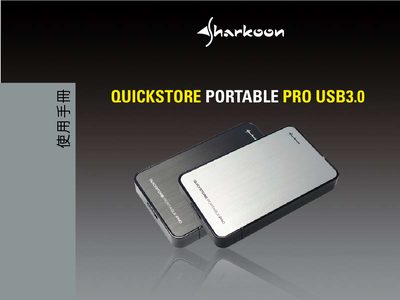
Sharkoon Portable Pro USB 3.0 User Manual
This manual covers the QUICKSTORE Portable Pro USB 3.0 external storage device. It provides instructions for connecting the drive, installing the included PCClone EX Lite software, and using the Quick Launch features.
Additional sections describe backup procedures, supported hardware (JMicron IC series), and troubleshooting tips. The document also points to Sharkoon's website for further support.
Covers: Introduction · Software Installation · Quick Launch · Backup · PCClone EX Lite · Settings
Latest QUICKSTORE manuals
Sharkoon Portable Pro USB 3.0 User Manual
User Manual 5 pages · 465 KB · ENThe Sharkoon Portable Pro USB 3.0 user manual explains setup, software use, and backup functions for the QUICKSTORE external drive.
Which document do I need?
User Manual
Day-to-day operation, settings and troubleshooting. Start here if the product is already set up.
Questions answered in QUICKSTORE manuals
What software is included with the device?
The device includes the PCClone EX Lite software for cloning and backup.
Which chipset does the software support?
The software version only supports the JMicron IC series.