
Key facts
- Manuals
- 2
- Languages
- ZH
- Last added
- 2026-09-29
Featured PS-B manuals
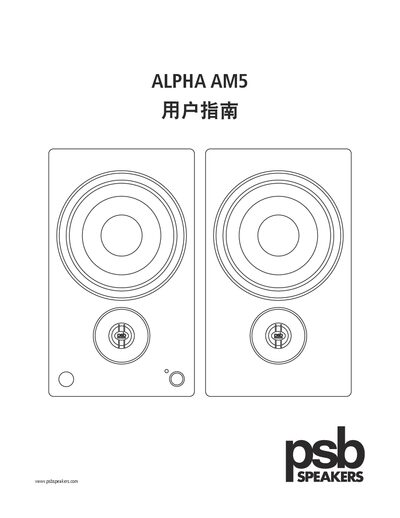
PSB Alpha AM5 Speaker User Guide
This guide covers important safety warnings, environmental disposal information, and an introduction to the Alpha AM5 active speaker. It explains how to unpack, connect inputs, use the remote control, and configure Bluetooth and infrared learning.
The manual also details placement recommendations, troubleshooting tips, maintenance procedures, and a full specification table for the speaker’s acoustic design, power output, and physical dimensions. This manual is written in Chinese.
Covers: Safety Instructions · Environmental Notice · Product Introduction · Setup and Connections · Remote Control Functions · Bluetooth Pairing
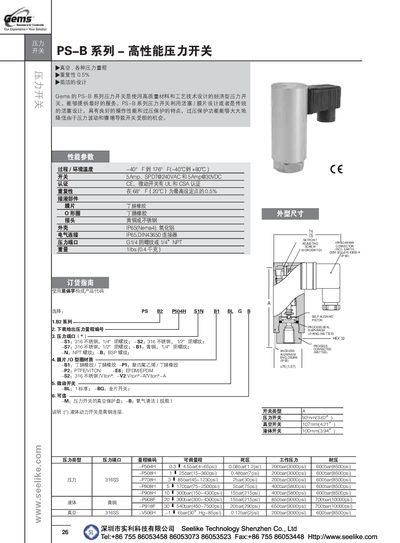
Seelike PS-B Series Pressure Switch Manual
The PS‑B series pressure switches are high‑performance devices featuring piston or diaphragm designs, excellent repeatability (0.5 %) and over‑pressure protection. They are built with high‑quality materials such as nitrile rubber membranes, O‑rings, and brass or stainless‑steel fittings, and are rated for a wide temperature range.
The document includes electrical ratings (5 A, SPDT @ 240 VAC and 5 A @ 30 VDC), certifications (CE, UL, CSA), IP65 ingress protection, DIN 43650 connectors, pressure port options, weight, and a detailed order guide with model codes and pressure range tables. This manual is written in Chinese.
Covers: Product Overview · Design Features · Electrical Ratings · Certifications · Ingress Protection · Mechanical Materials
Latest PS-B manuals
PSB Alpha AM5 Speaker User Guide
User Manual 12 pages · 473 KB · ZHThe PSB Alpha AM5 user guide provides safety instructions, setup, operation, Bluetooth pairing, and specifications for this active speaker.
Seelike PS-B Series Pressure Switch Manual
Product Leaflet 1 pages · 1.2 MB · ZHThe Seelike PS‑B series pressure switch manual provides specifications, certifications, and ordering information for the high‑performance pressure switches.
Which document do I need?
User Manual
Day-to-day operation, settings and troubleshooting. Start here if the product is already set up.
Questions answered in PS-B manuals
How do I pair a Bluetooth device with the Alpha AM5?
Put the speaker in discovery mode, find the AM5 device ID on your phone, and select it; the LED will stay solid blue to indicate a successful pairing.
How can I change the remote‑control status‑light brightness?
Press and hold the SUB button on the remote for 5 seconds; the light cycles through high, low, and off levels.
What is the operating temperature range of the PS‑B series pressure switch?
It operates from –40 °F to 176 °F (–40 °C to +80 °C).
What electrical ratings does the PS‑B series switch support?
The switch is rated for 5 A, SPDT at 240 VAC and 5 A at 30 VDC.