
Key facts
- Manuals
- 2
- Languages
- ZH
- Last added
- 2012-05-02
Featured PROTEA manuals
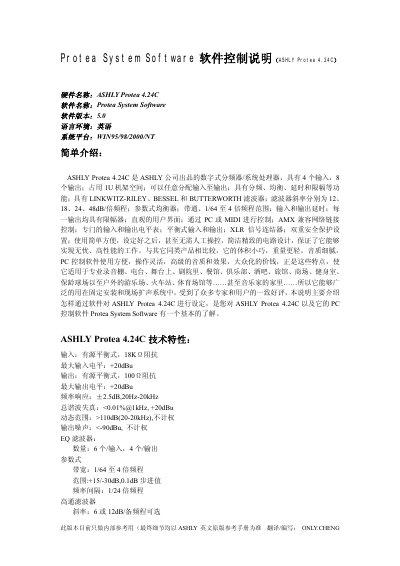
Ashly Protea 4.24C Software Control Manual
The Ashly Protea 4.24C is a 4‑input, 8‑output digital crossover/system processor designed for professional audio installations. The Protea System Software (version 5.0) runs on Windows 95/98/2000/NT and provides routing, filtering, delay, EQ, gain, limiter and mute functions via PC or MIDI control.
The manual covers software installation, RS‑232 communication setup, menu navigation, routing configuration, filter selection, EQ and delay settings, gain and limiter adjustments, and preset management. It also lists the hardware specifications and power requirements for the unit. This manual is written in Chinese.
Covers: Software Installation · Communications Setup · Menu Overview · Routing Configuration · Filter Types · EQ Settings
Latest PROTEA manuals
PROTEA SYSTEM II 4.24C Crossover System Processor Operating Manual
This manual describes the features and operation of the ASHLY 4.24C 24-bit Digital Crossover and System Processor. It also explains how to set up and use this product.
Ashly Protea 4.24C Software Control Manual
User Manual 20 pages · 525 KB · ZHThis manual explains how to install and operate the Protea System Software to control the Ashly Protea 4.24C digital crossover.
Which document do I need?
User Manual
Day-to-day operation, settings and troubleshooting. Start here if the product is already set up.
Questions answered in PROTEA manuals
How do I connect the PC to the Protea 4.24C for control?
Connect the supplied RS‑232 cable from the PC’s RS‑232 port to the ASHLY Protea 4.24C’s RS‑232 port.
How can I save a preset directly to the Protea unit?
Use the “Save preset to protea” menu command to upload the current settings to the Ashly Protea 4.24C.