
Key facts
- Manuals
- 1
- Languages
- ZH
- Last added
- 2011-12-11
Featured ONAP manuals
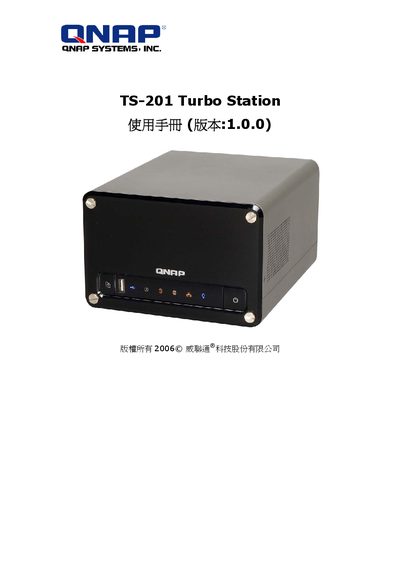
ONAP TS-201 Turbo Station Manual ( :1.0.0) Manual
The TS-201 Turbo Station is a high‑capacity storage solution featuring RAID 0/1 support, hot‑swap SATA drives, three USB 2.0 ports, Gigabit Ethernet, and built‑in web services such as backup, FTP, and media streaming. The manual introduces its main functions, hardware components, and the steps required to configure the device for personal or small‑business use.
Safety guidelines cover operating temperature (0 °C – 35 °C), power requirements (60 W, 90‑264 V), proper ventilation, and handling precautions. Maintenance sections describe how to record abnormal conditions, contact technical support, and perform safe shutdowns after power loss. All repairs must be performed by qualified technicians to avoid damage or data loss. This manual is written in Chinese.
Covers: Product Overview · Safety Information · Installation and Wiring · System Management · Network Settings · Backup and Restore
Latest ONAP manuals
ONAP TS-201 Turbo Station Manual ( :1.0.0) Manual
User Manual 142 pages · 7 MB · ZHThe QNAP TS-201 Turbo Station User Manual provides setup, operation, safety, and maintenance instructions for the TS-201 storage device.
Which document do I need?
User Manual
Day-to-day operation, settings and troubleshooting. Start here if the product is already set up.
Questions answered in ONAP manuals
What should I do if the TS-201 shows abnormal operation or errors?
Record the abnormal condition, stop using the TS-201, and contact the service personnel for repair.
Can I repair the TS-201 myself?
No, repairs must be performed by qualified technical personnel to avoid damage or data loss.