
Key facts
- Manuals
- 1
- Languages
- ZH
- Last added
- 2000-01-01
Featured OAKLON manuals
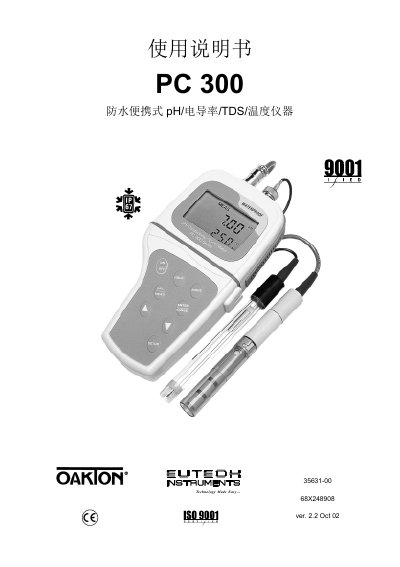
Oakton PC 300 Multi-Parameter Meter User Manual
This manual describes the Oakton PC 300 portable multi‑parameter meter, covering its hardware layout, LCD display, and the four measurement parameters (pH, conductivity, TDS and temperature). It explains how to power the device, interpret the display, and navigate the menu system.
The guide details calibration procedures for pH and conductivity, explains how to select measurement modes with the MODE button, and provides setup options for units, range, and data logging. Maintenance steps, troubleshooting tips, and service information are also included. This manual is written in Chinese.
Covers: Introduction · Display Overview · Operation Overview · Menu Functions · Calibration Procedures · Measurement Modes
Latest OAKLON manuals
Oakton PC 300 Multi-Parameter Meter User Manual
User Manual 68 pages · 767 KB · ZHThe Oakton PC 300 User Manual provides operation, calibration, measurement and maintenance instructions for the portable pH, conductivity, TDS and…
Which document do I need?
User Manual
Day-to-day operation, settings and troubleshooting. Start here if the product is already set up.
Questions answered in OAKLON manuals
How do I calibrate the pH measurement?
Select the pH calibration function from the menu and enter the standard pH values (e.g., 1.68, 4.01, 7.00, 10.01, 12.45) as prompted.