
Key facts
- Manuals
- 1
- Languages
- EN
- Last added
- 2011-10-19
Featured MK manuals
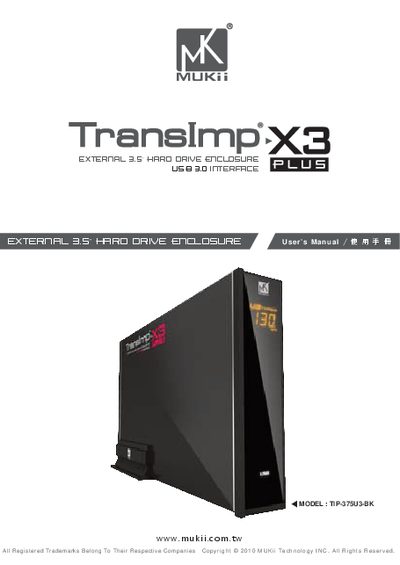
MK TeansImp X3 Manual
The TransImp X3 PLUS is an external hard‑drive enclosure with a USB 3.0 interface, aluminum housing, and an LCD display that shows transfer status. It supports 3.5" SATA HDDs and SSDs and includes hot‑swap capability.
The manual covers product features, system requirements for Windows and Mac, a detailed parts layout, step‑by‑step installation instructions, the M1 tuning system, and warranty/contact information.
Covers: Feature / Specifications · System Requirements · Parts Layout · Installation · M1 Tuning System Introduction · Warranty / Contact
Latest MK manuals
MK TeansImp X3 Manual
User Manual 18 pages · 6.7 MB · ENThe MUKii TIP-375U3-BK manual provides specifications, system requirements, parts layout, and installation instructions for the TransImp X3 PLUS external…
Which document do I need?
User Manual
Day-to-day operation, settings and troubleshooting. Start here if the product is already set up.
Questions answered in MK manuals
What are the system requirements for the TransImp X3 PLUS?
The device requires an Intel Pentium 1.35 GHz‑compatible CPU, Windows XP/Vista/7 (32‑ or 64‑bit) or Mac OS X v10.4 or later, a USB‑equipped system, and a CD‑Rom drive for the software.
From: MK TeansImp X3 Manual
How do I install a hard drive into the TransImp X3 PLUS?
Open the enclosure, place the hard drive inside, slide it into the SATA connector, tighten the screws, and then re‑close the housing.
From: MK TeansImp X3 Manual