
Key facts
- Manuals
- 1
- Languages
- JA
- Last added
- 2012-01-17
Featured microSD manuals
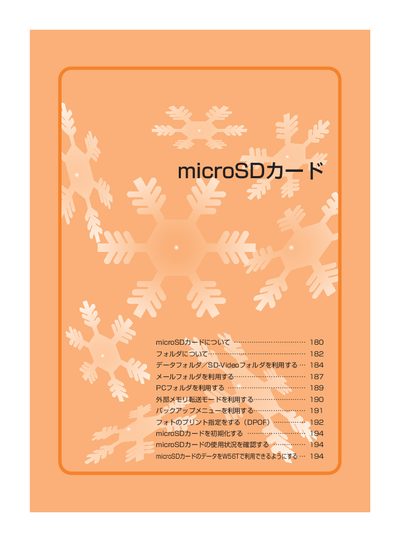
W58T microSD Card User Manual
This manual explains how to insert and remove a microSD card, how to format it before first use, and how to manage data stored on the card. It also covers safety precautions, supported card types, and steps for copying, moving, and playing back files.
Additional sections describe folder structures, DPOF printing options, and how to initialize or check the card’s usage status within the device. This manual is written in Japanese.
Covers: Inserting the microSD Card · Removing the microSD Card · Formatting the microSD Card · Folder Structure and Data Management · Copying and Moving Files · Playing Back Data
Latest microSD manuals
W58T microSD Card User Manual
User Manual 16 pages · 2.3 MB · JAInstructions for inserting, using, formatting and maintaining a microSD card in the W58T device.
Which document do I need?
User Manual
Day-to-day operation, settings and troubleshooting. Start here if the product is already set up.
Questions answered in microSD manuals
How do I insert the microSD card?
Open the memory‑card slot cover, insert the card with the printed logo side up until you hear a click, then close the cover.
How do I remove the microSD card safely?
Open the slot cover, gently press the card inward, then pull it out slowly before closing the cover.