
Key facts
- Manuals
- 1
- Languages
- EN
- Last added
- 2012-03-16
Featured MFC-J615W manuals
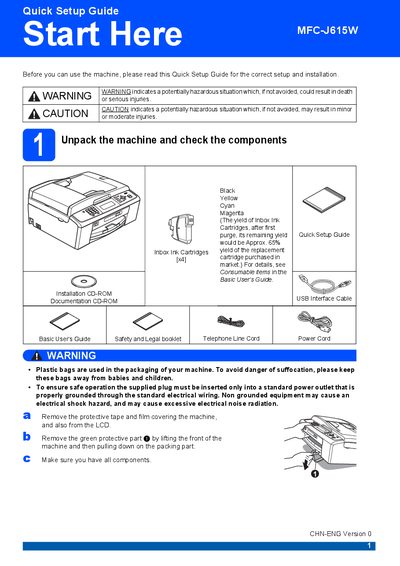
Brother MFC-J615W Quick Setup Guide
This Quick Setup Guide walks you through the first steps to get your Brother MFC-J615W ready for use. It includes safety warnings, unpacking instructions, and how to connect power, telephone line, USB, and network cables.
The guide also explains how to install the ink cartridges, load paper, choose language and receive mode, and perform basic quality checks. Additional sections cover restoring network settings to factory defaults and information on replacement consumables.
Covers: Unpack the machine and check components · Connect power cord and telephone line · USB and network cable requirements · Install ink cartridges · Load paper and adjust guides · Choose language and receive mode
Latest MFC-J615W manuals
Brother MFC-J615W Quick Setup Guide
Quick Start Guide 38 pages · 4.5 MB · ENQuick Setup Guide for the Brother MFC-J615W multifunction printer covering unpacking, installation, and initial configuration.
Which document do I need?
Quick Start Guide
The shortest path to a working setup, usually only a few pages.
Questions answered in MFC-J615W manuals
What type of cable should be used for a USB connection?
Use a USB 2.0 Type A/B cable that is no longer than 2 metres.