
Key facts
- Manuals
- 1
- Languages
- EN
- Last added
- 2012-02-12
Featured MCS8140 manuals
MosChip MCS8140 USB Server User Manual
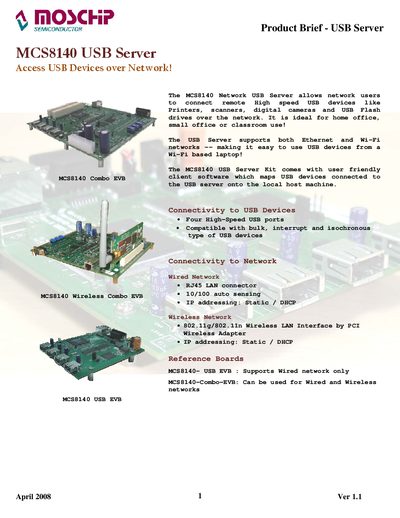
The MCS8140 USB Server provides four high‑speed USB ports that can be accessed over a wired Ethernet (RJ45) or wireless 802.11g/n network. It is intended for home office, small office or classroom environments, allowing remote use of printers, scanners, cameras, flash drives and other USB peripherals.
The package includes a web‑based configuration console and a Windows/Mac/Linux client utility that maps remote USB devices to the local host. The manual details system requirements, installation steps, network configuration, and an extensive device interoperability list showing the many USB devices that have been tested and confirmed to work with the server.
Covers: Product Overview · Connectivity Options · Software Installation · Web Console Configuration · System Requirements · Device Interoperability List
Latest MCS8140 manuals
MosChip MCS8140 USB Server User Manual
User Manual 7 pages · 907 KB · ENThe MosChip MCS8140 USB Server User Manual explains how to connect USB devices over Ethernet or Wi‑Fi, install client software, and configure network settings.
Which document do I need?
User Manual
Day-to-day operation, settings and troubleshooting. Start here if the product is already set up.
Questions answered in MCS8140 manuals
How many USB ports does the MCS8140 provide?
The MCS8140 provides four high‑speed USB ports.
Can the MCS8140 be used with both wired and wireless networks?
Yes, it supports both Ethernet via an RJ45 LAN connector and Wi‑Fi 802.11g/n wireless connections.