
Key facts
- Manuals
- 1
- Languages
- ZH
- Last added
- 2012-03-15
Featured MC147 manuals
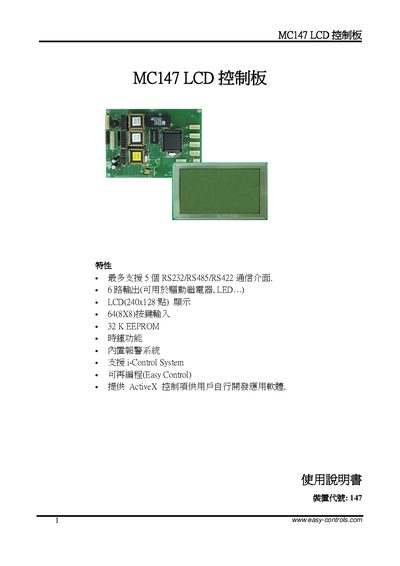
Newell Technologies MC147 LCD Control Board User Manual
This manual describes the MC147 LCD control board, a controller that supports up to five RS‑232/RS‑485/RS‑422 communication ports, six output channels, and a 240 × 128 graphic LCD. It includes hardware wiring diagrams, PCB dimensions, power requirements, and key input configurations.
The document also explains how to use the EasyControl software for device configuration, reset procedures, and application development, and provides technical support contact information. This manual is written in Chinese.
Covers: Wiring Diagram · PCB Dimensions · Technical Parameters · Power Supply and Reset · Communication Interfaces · Output Wiring
Latest MC147 manuals
Newell Technologies MC147 LCD Control Board User Manual
User Manual 8 pages · 222 KB · ZHThe MC147 LCD control board manual provides wiring diagrams, specifications, and software setup instructions for Newell Technologies' controller.
Which document do I need?
User Manual
Day-to-day operation, settings and troubleshooting. Start here if the product is already set up.
Questions answered in MC147 manuals
How many communication interfaces does the MC147 support?
The MC147 can support up to five RS‑232/RS‑485/RS‑422 communication interfaces.
From: Newell Technologies MC147 LCD Control Board User Manual
What is the LCD resolution of the MC147 board?
The LCD on the MC147 board has a resolution of 240 × 128 pixels.
From: Newell Technologies MC147 LCD Control Board User Manual