
Key facts
- Manuals
- 1
- Languages
- EN
- Last added
- 2012-02-04
Featured Maestro manuals
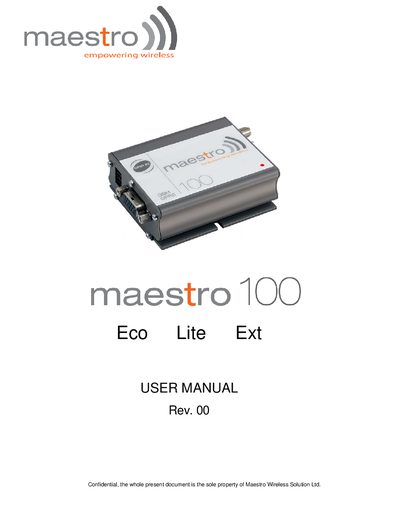
maestro maestro100 Eco Lite Ext USER MANUAL
This manual introduces the Maestro Eco Lite Ext GSM modem, covering safety precautions, required accessories, and the basic hardware interfaces such as the SMA antenna connector, 15‑pin Sub‑D serial/audio port, and 4‑pin power connector. It explains how to mount the device, install a SIM card, connect an external antenna, and power the unit using a 5‑32 V supply.
The guide also details AT command usage for voice, data, fax and SMS functions, lists the technical specifications (frequency bands, power output, GPRS class, dimensions, and temperature range), and provides troubleshooting tips for common issues like LED status, network registration, and audio problems.
Covers: Safety Precautions · Introduction · Installation · Working with Maestro 100 · Specification · Appendix
Latest Maestro manuals
maestro maestro100 Eco Lite Ext USER MANUAL
User Manual 16 pages · 193 KB · ENThe Maestro Eco Lite Ext user manual provides safety guidelines, installation steps, operation instructions, specifications and troubleshooting for the GSM…
Which document do I need?
User Manual
Day-to-day operation, settings and troubleshooting. Start here if the product is already set up.
Questions answered in Maestro manuals
What type of antenna is required for the modem?
An external GSM antenna with an SMA male connector, 50 Ω impedance, and suitable for the GSM frequency bands must be used.
What are the power supply requirements?
The modem requires a DC supply of 5 V to 32 V with a rated current of 650 mA; the included power cord has a fuse for protection.