
Key facts
- Manuals
- 1
- Languages
- ZH
- Last added
- 2012-01-10
Featured KR manuals
KR URA-0803 USB AM/FM Radio User Manual
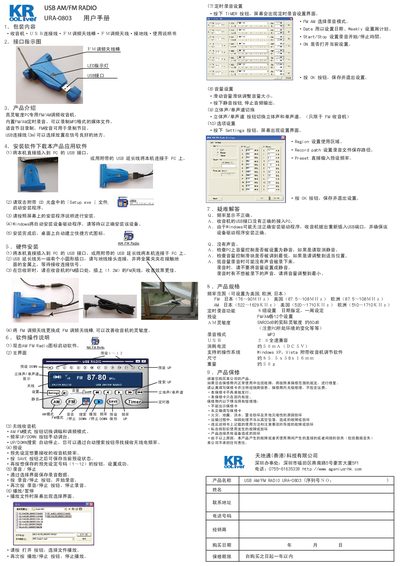
This manual describes the contents of the package, the USB and antenna connectors, and the basic features of the KR URA-0803 USB AM/FM Radio. It explains how to install the device on a PC, run the provided setup program, and configure the radio for AM and FM reception.
The guide also covers operation controls such as frequency tuning, volume adjustment, stereo/mono switching, timer settings, and saving presets. Technical specifications, supported audio formats, power consumption, and warranty terms are listed at the end of the document. This manual is written in Chinese.
Covers: Package Contents · Interface Indicators · Product Description · Installation · Operation Controls · Volume Control
Latest KR manuals
KR URA-0803 USB AM/FM Radio User Manual
User Manual 1 pages · 7.3 MB · ZHThe KR URA-0803 USB AM/FM Radio User Manual provides setup, operation, specifications, and warranty information for the device.
Which document do I need?
User Manual
Day-to-day operation, settings and troubleshooting. Start here if the product is already set up.
Questions answered in KR manuals
How do I install the URA-0803 on my PC?
Connect the device to a USB port or use the supplied USB extension cable, then run the provided setup.exe program and follow the on‑screen instructions.
What are the FM and AM frequency ranges?
FM reception covers 76‑90 MHz in Japan and 87.5‑108 MHz in the US and Europe; AM reception covers 522‑1629 kHz in Japan, 520‑1710 kHz in the US, and 510‑1710 kHz in Europe.